

An in-app mobile SDK allows teams to collect app feedback directly inside a mobile app, without sending users to an external survey or browser.
For product, UX and customer experience teams, this makes feedback more contextual and easier to act on. Surveys can be triggered at specific moments in the journey, while information such as app version, device type, user attributes or in-app behaviour can help explain what was happening when the feedback was submitted.
Several user feedback platforms offer mobile SDKs, however, having an SDK does not mean every platform offers the same functionality. The main differences usually come down to framework support, survey triggering, contextual data, screenshot capabilities and what teams can do with the feedback afterwards.
In this guide, we compare user feedback tools with in-app mobile SDKs, explain how their implementations differ and cover what to look for when choosing one.
TL;DR – Article Summary
- A mobile feedback SDK lets teams collect feedback directly inside an app.
- SDKs make it possible to trigger surveys at relevant moments in the mobile journey.
- Native integrations can add useful context such as app version, device information, user attributes and in-app events.
- SDK functionality can differ significantly when it comes to targeting, metadata, screenshots, framework support and feedback analysis.
- Not every tool offering mobile feedback provides the same level of native integration.
- The right SDK depends on your app architecture, feedback goals and how your team plans to analyse and act on responses.
In this blog, we will cover:
- What is an in-app mobile feedback SDK?
- Which user feedback tools offer mobile SDKs?
- Native SDK vs Webview: what is the difference?
- What should you look for in a mobile feedback SDK?
- Which mobile feedback SDK is right for you?
- Frequently asked questions
What is an in-app mobile feedback SDK?
A mobile feedback SDK, or software development kit, is a collection of tools developers can integrate into an app to add feedback functionality directly to the mobile experience.
Instead of opening an external browser or survey page, users can share feedback while they are actively using the app.
For example, a survey might appear:
- after onboarding
- after completing checkout
- after interacting with a new feature
- after a specific app event
- when a user chooses to report an issue
SDKs can also connect feedback with contextual information such as device type, operating system, app version, user information or the point in the journey where the response was collected.
This makes them particularly useful for collecting mobile app feedback in context.

Which user feedback tools offer mobile SDKs?
Several feedback and experience management platforms provide SDK-based mobile feedback.
However, two platforms can both advertise iOS and Android SDKs while offering very different levels of targeting, contextual metadata, native functionality and feedback analysis.
Here are some of the main options.
1. Mopinion – Part of Netigate
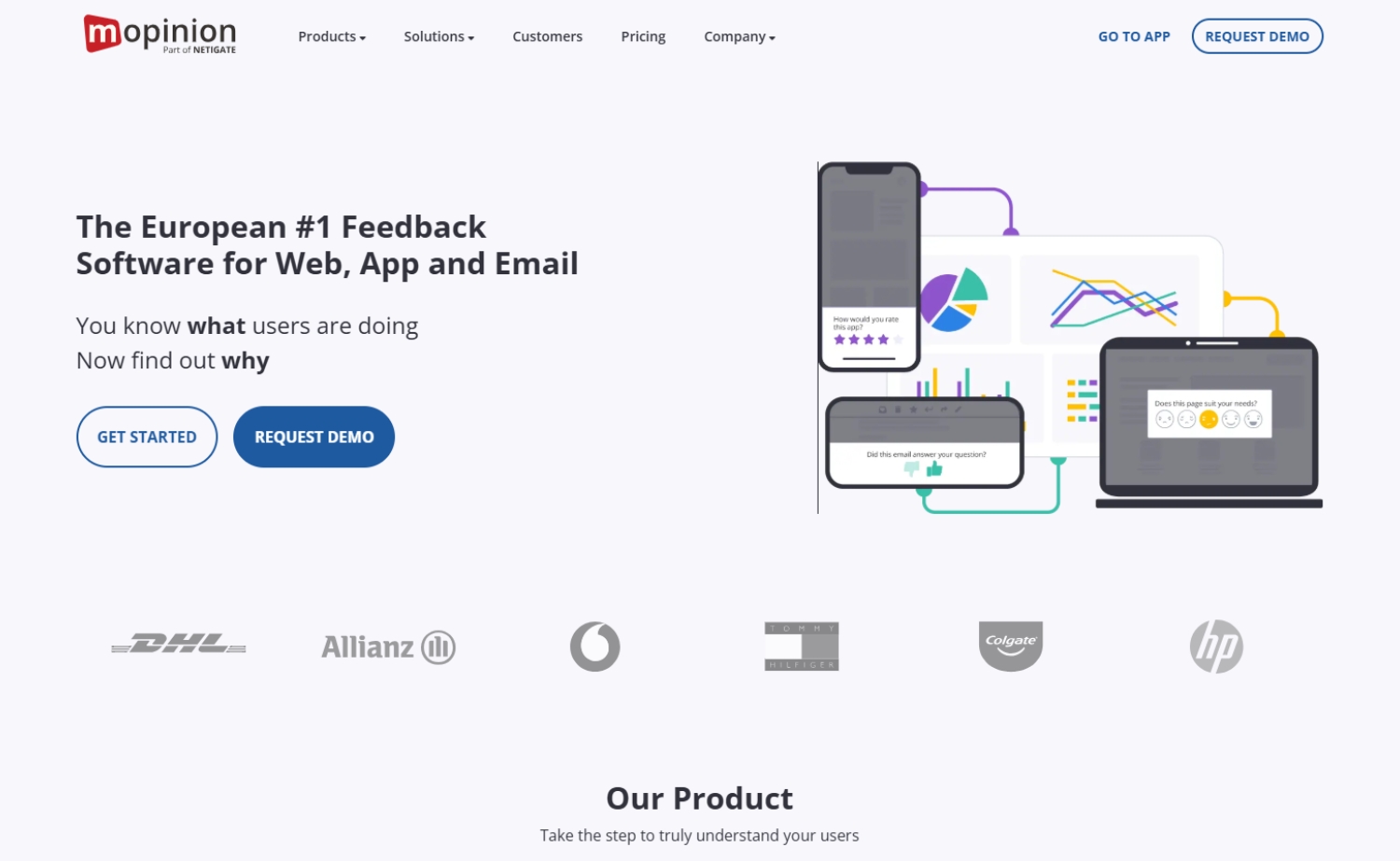
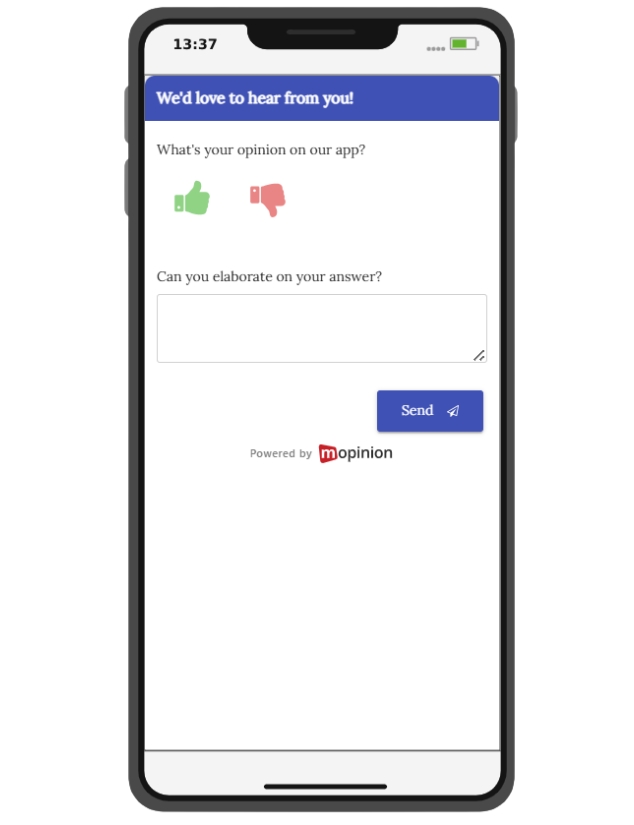
Mopinion provides SDKs for collecting contextual feedback directly inside mobile applications.
Its native iOS and Android SDKs allow teams to deploy feedback forms at specific moments in the mobile journey and connect responses with contextual information such as app version, device details and user metadata.
Feedback forms can also be triggered according to user events and in-app behaviour, helping teams ask questions when they are most relevant rather than interrupting users at random.
Mopinion also supports native screenshot capture, allowing users to add visual context when reporting usability problems or technical issues.
Key capabilities include:
- native iOS and Android SDKs
- behavioural and event-based survey triggering
- contextual mobile metadata
- native screenshot capture
- customisable feedback forms
- feedback dashboards and segmentation
- text, sentiment and AI-assisted feedback analysis
The distinction here is not only collecting feedback inside the app, but connecting what users say with what was happening when they said it.
For example, a team could identify whether negative feedback is concentrated around a particular app version, journey stage or user group and investigate from there.
Mobile responses can also be analysed alongside feedback collected across websites and other digital channels, giving teams a broader view of the digital customer experience.
Mopinion is part of Netigate, bringing its digital feedback capabilities into a broader experience management offering.
Interested? Start your free trial today or request a demo.
2. Alchemer Mobile
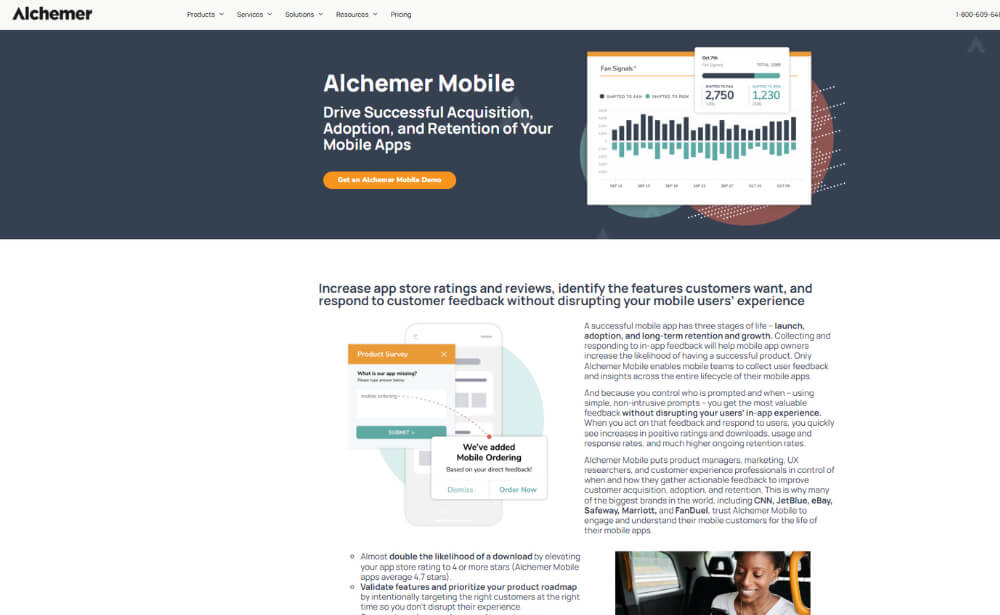
Alchemer Mobile offers native SDKs for collecting feedback and engagement signals inside mobile applications.
Its mobile functionality includes targeted in-app interactions that can be connected to events within the user journey.
Capabilities include:
- native iOS and Android SDKs
- event-based interactions
- targeted in-app surveys
- app rating and engagement prompts
- customisable mobile experiences
When comparing it with other SDKs, teams should consider how its targeting options and feedback workflows fit their specific mobile use case.
Website: www.alchemer.com
3. Survicate
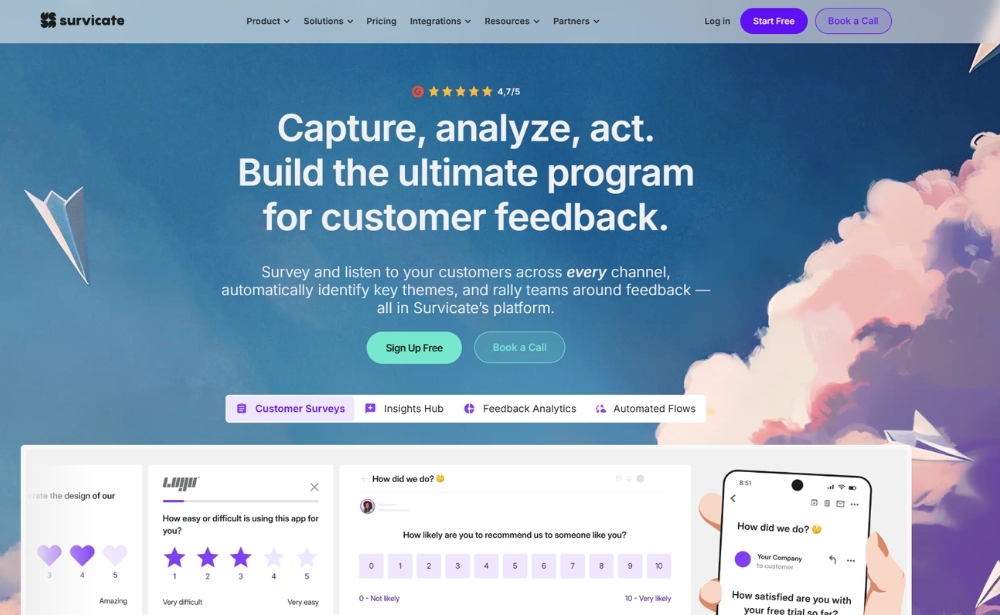
Survicate provides SDKs for collecting surveys directly inside mobile applications.
Its SDK support covers native iOS and Android applications as well as several cross-platform frameworks.
Capabilities include:
- iOS and Android SDKs
- React Native support
- Flutter support
- Unity support
- event-based survey triggering
- user attribute targeting
- NPS and CSAT surveys
Framework support is therefore an important factor to consider when comparing Survicate with SDKs designed primarily around native iOS and Android implementations.
Website: www.survicate.com
4. Qualtrics
Qualtrics provides a Mobile App SDK within its digital experience functionality.
The SDK can be used to deploy embedded feedback and intercepts inside mobile applications according to defined targeting criteria.
Mobile functionality includes:
- iOS and Android SDK support
- React Native support
- embedded app feedback
- in-app intercepts
- audience and display targeting
- branded feedback experiences
- connection with broader experience data
The implementation sits within Qualtrics’ wider experience management environment, so teams should consider whether they need a broader enterprise experience management setup or a solution focused specifically on digital feedback.
Website: www.qualtrics.com
5. Userback
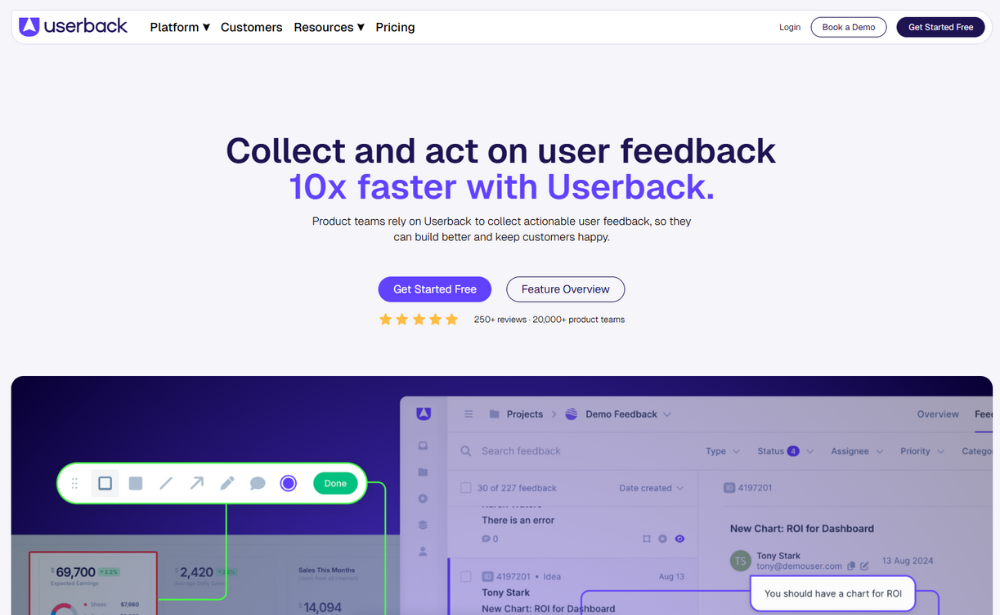
Userback provides a mobile SDK for collecting feedback from native applications, with a stronger emphasis on product feedback and issue reporting.
Its mobile functionality can capture technical and visual context alongside user feedback.
Capabilities include:
- native iOS and Android SDKs
- React Native support
- bug reports
- feature and idea submissions
- screenshots
- NPS and CSAT surveys
- technical context such as logs and network information
This makes its use case somewhat different from platforms primarily centred on digital customer experience surveys and Voice of Customer analysis.
Website: www.userback.io
Native SDK vs Webview: what is the difference?
Not every mobile feedback implementation works in the same way.
Some platforms use a native SDK, while others rely on Webviews, APIs or a combination of approaches.
A native SDK integrates feedback functionality into the application itself. This can allow the feedback experience to work more closely with app events, device information and native functionality.
A Webview, on the other hand, displays web-based content inside the app.
Webviews can sometimes require less native development work, while SDK-based implementations can enable deeper integration with:
- app events
- device and app metadata
- survey targeting
- native interface elements
- screenshots
- app-specific behaviour
Neither approach is automatically the right choice for every team.
The best implementation depends on your application architecture, available development resources and the amount of context or targeting you need around the feedback.
What should you look for in a mobile feedback SDK?
Two SDKs can support the same operating systems and still provide very different feedback experiences.
Before choosing one, look beyond the presence of an iOS or Android SDK and compare what the implementation actually allows your team to do.
1. Platform and framework support
Start with your technology stack. For native applications, this normally means checking support for iOS and Android.
If your app uses a cross-platform framework, you may also need support for technologies such as:
- React Native
- Flutter
- Unity
- Cordova
Do not assume that iOS and Android support automatically means your chosen framework is supported.
It is also worth checking how actively the SDK is maintained and whether its minimum operating system requirements fit your existing user base.
2. Survey targeting
One of the main advantages of in-app feedback is the ability to ask a question when it relates directly to what the user is doing.
For example, you might trigger feedback:
- after someone completes a purchase
- after onboarding
- after using a particular feature
- when someone abandons a process
- after a specific in-app event
Look for SDKs that allow targeting based on:
- app events
- user behaviour
- journey stages
- customer properties
- previous interactions
More precise targeting can make feedback less disruptive while giving teams responses that are easier to interpret.

3. Contextual metadata
A comment such as “this isn’t working” is difficult to act on without context.
That same comment becomes much more useful if your team can see that it came from users running a particular app version, device or operating system.
Useful metadata can include:
- app version
- operating system
- device type
- customer segment
- user attributes
- journey stage
- relevant app events
Connecting this information with survey responses can help teams identify patterns that would be difficult to spot from open-text feedback alone.
4. Screenshots and visual context
When someone encounters a problem inside an app, explaining exactly what went wrong in a text field is not always easy.
Screenshot functionality can provide additional context for issues such as:
- broken interfaces
- visual bugs
- confusing navigation
- unexpected behaviour
- content displayed incorrectly
For product and UX teams, this can reduce the amount of detective work required to understand what the user experienced.
5. Feedback analysis
An SDK can make feedback easier to collect, but its value depends on what your team can understand and do with those responses afterwards.
As feedback volumes grow, manually reviewing every comment quickly becomes difficult.
Useful analysis capabilities can include:
- dashboards
- filtering and segmentation
- sentiment analysis
- topic detection
- AI-generated summaries
- trend analysis
- categorisation
It is also worth checking whether mobile feedback can be combined with feedback from other digital channels.
If the same customer journey spans your website and app, analysing those channels separately may hide patterns that become visible when the feedback is brought together.

Which mobile feedback SDK is right for you?
The right mobile feedback SDK depends on both your technical setup and what you want to learn from users.
Some teams mainly need short surveys inside an app. Others need more precise behavioural targeting, visual feedback, technical issue reporting or deeper customer experience analysis.
Before choosing a platform, ask:
- Can we collect feedback at the right moment?
- Will we have enough context to understand the response?
- Can our team analyse the feedback efficiently?
- Can we connect mobile feedback with the rest of the digital journey?
- Can we turn what we learn into action?
For teams focused on understanding and improving the digital customer experience, Mopinion combines native in-app feedback collection with behavioural targeting, contextual metadata, screenshot capture and feedback analysis across digital channels.
This makes it possible to move beyond simply asking users what they think and understand the circumstances surrounding their feedback as well.
Learn more about Mopinion for Apps or read our guide on how to analyse in-app feedback.
Frequently asked questions
Frequently Asked Questions
Several user feedback and experience management platforms offer mobile SDKs for collecting feedback directly inside native applications. Support differs by operating system, development framework, survey targeting, contextual data and feedback functionality.
An in-app feedback SDK is a set of development tools used to integrate surveys or feedback functionality directly into a mobile application. It can allow teams to trigger feedback during specific in-app moments and capture additional context alongside the response.
No. Mobile app feedback can also be collected through Webviews, APIs or other implementations. An SDK is particularly useful when deeper integration with app behaviour, native functionality, contextual metadata or event-based survey triggering is required.
An SDK provides tools and components developers can integrate into an application, while an API allows different applications or systems to communicate and exchange data. A mobile feedback implementation may use both depending on the technical setup.
A native SDK integrates feedback functionality more directly with the mobile application, while a Webview displays web-based content inside the app. Native SDKs can provide closer access to app events, device context and native functionality.
Yes. Some mobile feedback SDKs allow surveys to be triggered after specific app events or according to user behaviour, such as completing checkout, interacting with a new feature, reaching a certain stage of onboarding or abandoning a process.
A useful mobile feedback SDK should support the operating systems and frameworks used by your app. Depending on your goals, useful capabilities may include behavioural targeting, contextual metadata, custom survey triggering, screenshot capture, segmentation and feedback analysis.
Ready to see Mopinion in action?
Want to learn more about Mopinion’s all-in-1 user feedback platform? Don’t be shy and take our software for a spin! Do you prefer it a bit more personal? Just book a demo. One of our feedback pro’s will guide you through the software and answer any questions you may have.