
Website feedback tools help organisations collect direct insights from visitors and understand what is working, where users encounter friction and why they may leave without completing an action.
However, not every website feedback tool serves the same purpose. Some platforms focus on on-page surveys and Voice of Customer feedback, while others specialise in visual bug reporting, customer communities, online reviews or traditional questionnaires.
In this guide, we compare 31 of the best website feedback tools across five categories, helping you understand how each type works and which solutions best match your feedback goals.
TL;DR – Article summary
- Website feedback tools help organisations understand why visitors behave the way they do, not just where they click or leave.
- This guide compares 31 website feedback tools across five categories: Website Voice of Customer surveying, community feedback, usability feedback, webshop reviews and traditional surveys.
- Website VoC tools are best for collecting private, in-the-moment feedback directly from website visitors.
- Community feedback tools help customers share, discuss and vote on ideas or feature requests publicly.
- Usability and visual feedback tools make it easier to report design issues, technical bugs and problems with specific page elements.
- Webshop review tools collect and display public ratings that can help build trust and influence purchase decisions.
- Traditional survey tools are best suited to broader research, customer satisfaction measurement and structured questionnaires.
- The right website feedback tool depends on your goals, preferred feedback channels, reporting needs, team workflow and existing technology stack.
In this blog, we’ll cover:
- Website feedback landscape
- Why are website feedback tools so popular?
- 5 types of website feedback tools
- Website VoC surveying tools
- Community feedback tools
- Usability feedback tools
- Webshop review tools
- Traditional survey tools
- More about Mopinion
- Frequently asked questions
Website feedback landscape
The landscape of website feedback tools has significantly increased in the past five years. Especially on the side of data-collection, so when it comes to the collection of website feedback, new apps and tools pop up like daisies. This is not surprising, because ‘customer experience’ is a hot item: Market researchers estimate the Customer Experience Management market (CEM) is projected to reach $20.4B by 2028.
It is sometimes difficult to grasp which feedback tools serve as real alternatives and which tools actually complement one another.
Why are website feedback tools so popular?
Website feedback tools go beyond analytics by showing the why behind user behaviour. Analytics reveal clicks and exits, but feedback tells you what users think and feel.
Many website feedback tools are offered as free-mium and provide an easy accessible step for marketers to start listening to the online customer.
The interesting thing is that feedback tools often address issues you will not be able to find in regular web analytics packages, such as Google Analytics and Adobe Analytics.
Web analytics are a good starting point to figure out which elements of the website can be improved, usually measured by means of mouse and click-behaviour. You will get an answer to questions such as: How many visitors do I have, where and from where do they enter, where do they leave, where do they linger and what do they click?

However, feedback tools will tell you why a visitor does what he does. They provide insight by allowing the visitors themselves to indicate what they believe is good or bad about their experiences on the website, with the product or with the company.
5 types of website feedback tools
As a leading online feedback analytics software for websites, mobile apps and email, we deal with feedback data on a daily basis that originates from external feedback tools. At Mopinion, we also often have to guide new employees through the complex landscape of feedback collection tools.
Website feedback tools can be divided into five main categories:
Each category supports a different feedback use case. Website Voice of Customer tools collect private, in-the-moment feedback, while community platforms publish ideas and discussions publicly. Visual feedback tools focus on specific design or technical issues, and review platforms collect public ratings that can influence purchase decisions.
This overview focuses primarily on feedback that organisations can collect directly through their websites or digital channels.
Customer feedback can also be collected through social media, live chat, interviews, usability testing panels and third-party comparison websites. However, these methods fall outside the scope of this guide.
The tools included here allow organisations to request feedback directly from customers or website visitors. Depending on the platform, this may take the form of a feedback button, embedded questionnaire, triggered survey, visual annotation, review invitation or public idea portal.

Dynamics in the selection
The website feedback software market continues to evolve, so this is not intended to be an exhaustive list of every available platform.
Instead, the overview highlights established tools and solutions that represent the main categories of website feedback software. The article is reviewed regularly to reflect relevant product, ownership and market changes.

Free White Paper: The Importance of A good Feedback Strategy
Learn about asking the right questions in an online feedback form to get the most out of it.
Website VoC surveying tools
Website Voice of Customer, or website VoC, tools collect direct feedback about the experience visitors have while using a website.
These tools typically use feedback buttons, embedded forms or targeted surveys that allow visitors to share feedback without leaving the page or interrupting their journey.
Because feedback is collected in the moment, responses are connected to the specific page, task or problem the visitor was experiencing. The results are usually stored privately in a dashboard where teams can analyse, filter, report on and share the feedback.
Unlike customer review or community platforms, website VoC feedback is generally not published publicly. The dashboard is one of the main differences when comparing this type of tool to, for example, review or community feedback tools, whereby the feedback is disclosed publicly.
Triggers
Many website VoC tools can display feedback forms based on visitor behaviour or predefined targeting rules.
For example, a survey may appear when someone:
- Spends a certain amount of time on a page
- Visits a particular page or sequence of pages
- Clicks a specific button or element
- Reaches a particular stage of a form or funnel
- Shows signs of leaving the website
- Abandons a shopping basket or checkout journey
This helps organisations request feedback at relevant moments rather than displaying the same survey to every visitor.
Structure of the form
Website feedback forms often combine quantitative ratings with qualitative questions.
Common elements include:
- Customer Satisfaction Score
- Net Promoter Score
- Customer Effort Score
- Star, numerical or smiley ratings
- Multiple-choice feedback categories
- Open-ended comment fields
- Follow-up questions based on previous answers
This combination helps teams measure the experience while also understanding the reasons behind each score.
Website VoC tools can help organisations:
- Identify recurring website and usability issues
- Understand why visitors abandon important journeys
- Measure satisfaction across specific pages and touchpoints
- Discover content that is unclear, missing or difficult to find
- Detect technical problems affecting particular devices or browsers
- Collect suggestions for improving products, services and digital journeys
- Prioritise improvements based on direct visitor feedback
Now, let’s start with the overview…
1. Mopinion – Part of Netigate
Best for all-in-one digital feedback collection across websites, mobile apps and email. With its easy-to-use interface, teams can build, design and configure feedback forms exactly how they want, then target them to specific visitor segments and moments in the journey to understand what is blocking conversion. Incoming feedback can be analysed in real time through customisable dashboards and charts, making it easier to spot patterns, prioritise issues and report on impact. To take it a step further, digital teams can act faster with smart alerts and feedback categorisation, helping them share insights and close the loop across stakeholders.
Since September 2025, Mopinion is part of Netigate, combining Mopinion’s digital feedback intelligence with Netigate’s broader experience management, multi-channel analytics and AI capabilities, especially useful for organisations that want to connect website/app feedback with wider CX and EX insights.
Interested? Start your free trial today or request a demo.
2. Feedbackify
Source: Feedbackify
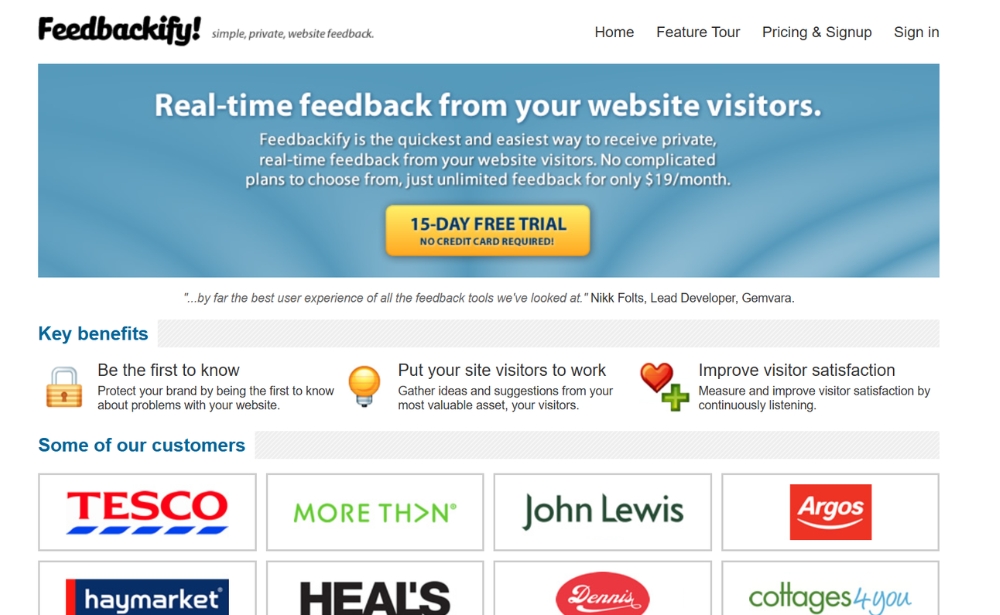
By way of a drag-and-drop editor, Feedbackify allows users to easily create feedback forms themselves. Installation is also very easy. All you have to do is copy and paste the code they provide you with into your website’s HTML and it’s ready to go. Your visitors can provide a rating as well as submit comments, including compliments and suggestions. Within this customer feedback tool, you can view all feedback received in a dashboard in real-time as well as filter by category and sub-category.
Website: www.feedbackify.com
3. Qualaroo
Source: Qualaroo
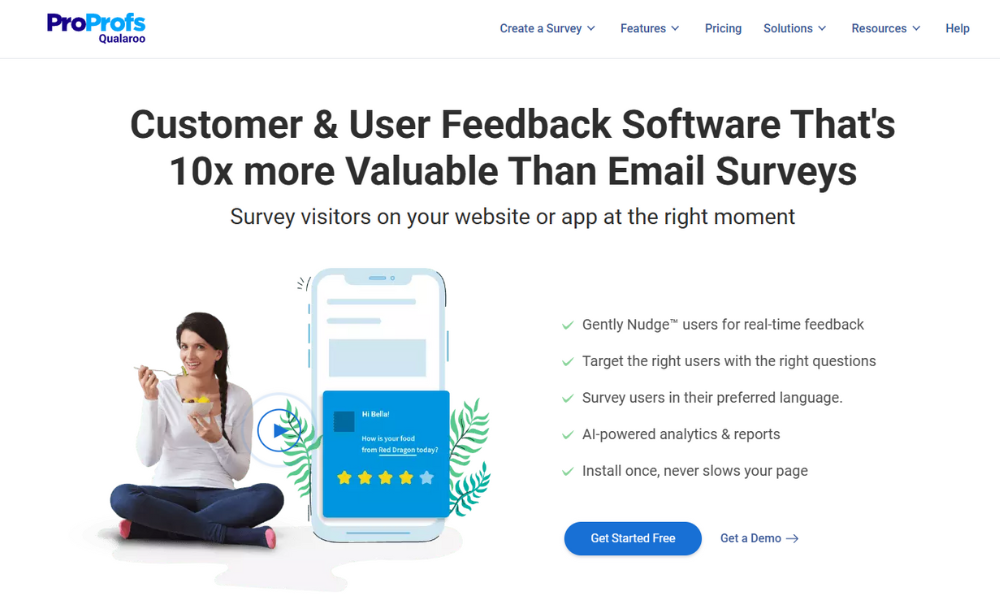
ProProf’s Qualaroo is a survey solution that allows organisations to collect feedback from websites, mobile apps, SaaS products and email. Users can conduct polls by writing their own questions or by selecting from a question library. The platform features AI-powered reporting and dashboards to help analyse data and direct it to the appropriate teams.
Website: www.qualaroo.com
4. Pulse insights
Source: Pulse insights
Pulse Insights is comparable to other online survey software and questionnaire tools such as Qualaroo and Survicate. Using a micro survey platform, Pulse Insights collects data from your visitors in a very simple manner. This tool is also capable of integrating responses from surveys into other tools such as web analytics, A/B testing, CRM and DMP.
Website: www.pulseinsights.com
5. Survicate
Source: Survicate
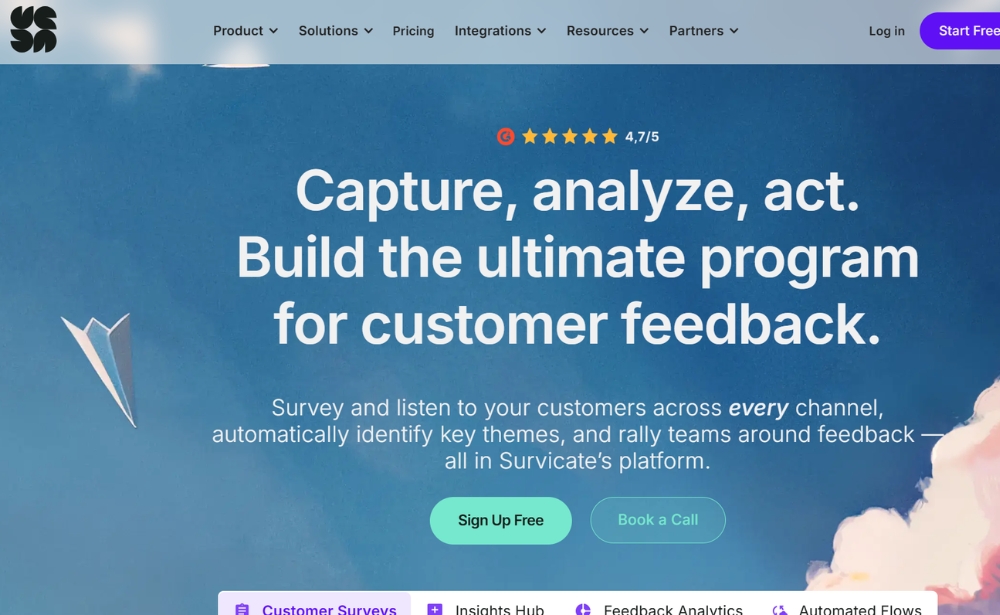
Survicate is a great customer feedback tool that enables its users to trigger targeted surveys at different locations on their website or send out questionnaires via email to different customers. They also offer chat surveys and there is a library of predefined surveys that users can choose from. In terms of analysis, this customer feedback tool has dashboarding capabilities, CSV and XLS exporting options and NPS analysis.
Website: www.survicate.com
6. WebEngage
Source: WebEngage
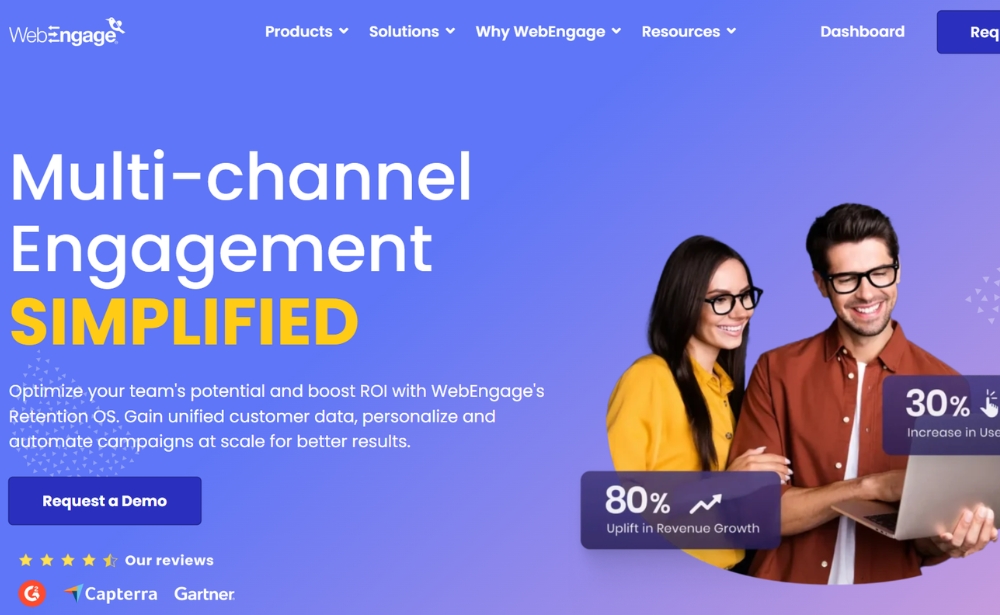
WebEngage offers a feedback form and survey builder. This tool can also be used to trigger the feedback forms on the basis of the visitor’s click behaviour. In addition to the survey widgets, WebEngage also offers possibilities to send out notifications on the website or in a mobile app, for example to highlight a promotion instead of a feedback request.
Website: www.webengage.com
7. Hotjar
Source: Hotjar
Hotjar is a user testing and behaviour analytics software that combines multiple UX tools in one. This focus however means that the feedback collection solution isn’t as extensive as other solutions. On the other hand, users can create heatmaps, user recordings (e.g. tracking sessions) and customisable surveys and feedback polls with this tool. Surveys and polls can be triggered immediately after the page loads, after x amount of seconds, when the visitor wants to abandon the page or when they scroll halfway down the page.
Website: www.hotjar.com
8. Feedier
Source: Feedier
Feedier (IXM) is an intuitive experience management solution that allows you to listen carefully to the Voice of the Customer in order to improve your customer experience. Collect direct and indirect feedback in real-time through gamified forms, analyse your data with an intuitive and visual dashboard via features such as analysis of the most used keywords in your responses, correlation matrix, User Stories, NPS and many others.
Website: www.feedier.com
Community feedback tools
In terms of application, community feedback tools are somewhat closer related to customer service. These tools are also known as feedback forums. The feedback is collected through your website and is immediately published as a subject in a public forum or the community. In the community, other people are able to vote for the idea, the suggestion or indicate that they have also encountered a certain problem on the website or the app.
Therefore, it is also possible to use the tools for crowdsourcing. Due to the social and transparent effect, these tools are extremely popular. Of course, there may also be disadvantages to the fact that everything is out-in-the-open.
Besides the important role the public plays in responding to the feedback, these tools usually also offer features in the form of customer support ticketing and knowledge bases. As a result, it is easy for the managers or moderators of the company to respond to issues that have arisen or questions that are being asked in the forum. Customer support teams also often play an active role in this process.
So, let’s have a look at some Community feedback tools…
9. UserVoice

Source: UserVoice
Marketers usually use this tool for generating and voting on ideas for new features of their website or app. Visitors can provide feedback without them being obliged to register.
With applications such as “search-as-you-type”, visitors can also immediately see whether another customer has experienced the same problem as them, while giving feedback. This makes it easier to vote or respond to a certain issue and avoid double discussions in your forum. UserVoice also offers several options for forum moderation and management.
Website: www.uservoice.com
10. UseResponse
Source: UseResponse
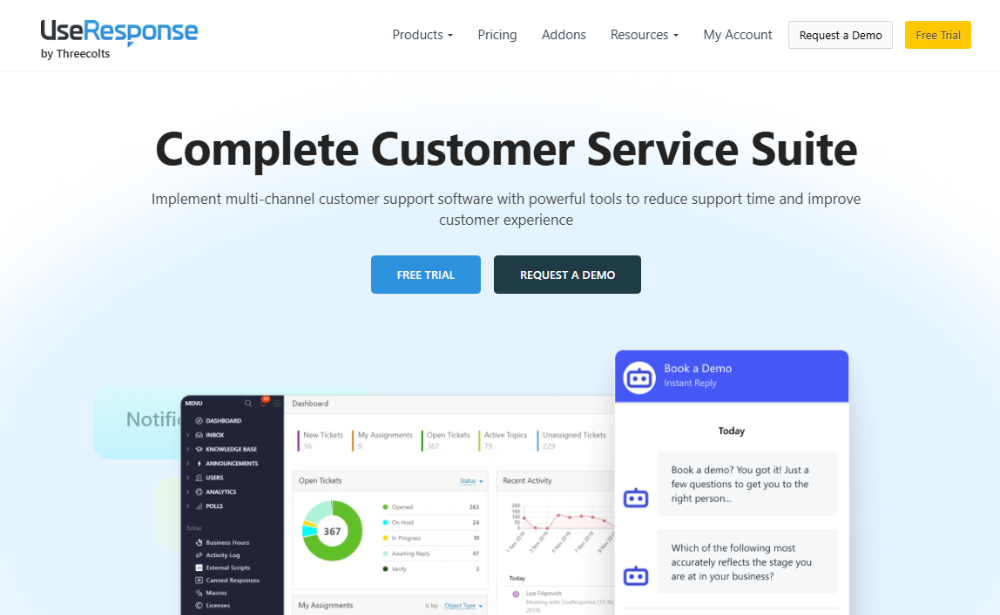
UseResponse is a slightly more inexpensive variant of UserVoice. In addition, this provider offers a version you can host yourself with open sourced code. You only pay a one-time fee. Besides feedback and a forum, the package also includes a live chat client. UseResponse charges a licence price per agent.
Website: www.useresponse.com
11. UserEcho
Source: UserEcho
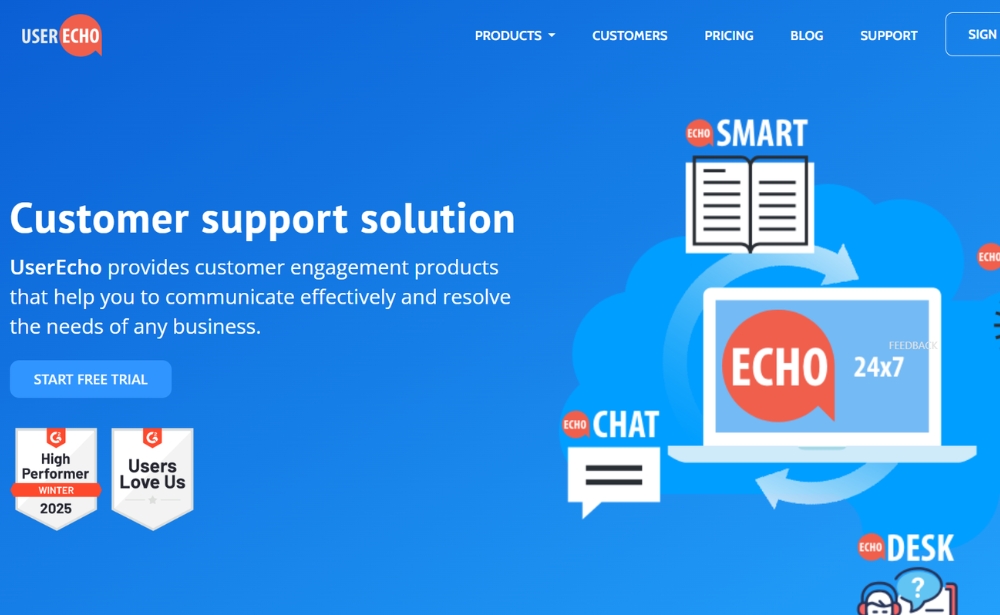
UserEcho offers a support solution including feedback, forum, knowledge base, helpdesk and live chat. Voting for ideas works in a similar way as UserVoice. UserEcho charges a licence price per agent.
Website: www.userecho.com
12. UserReport

Source: UserReport
UserReport largely offers the same features as previously mentioned feedback community tools. In addition to these functionalities, UserReport also offers features to create surveys.
Website: www.userreport.com
13. Sprinklr
Source: Sprinklr
Sprinklr is a SaaS customer experience management platform that enables users to create an online customer community. These digital communities are great for boosting customer engagement as they help leverage crowdsourcing so that customers can get (self-service) support.
Users can also easily embed gamification features that help recognise as well as reward community experts.
Website: www.sprinklr.com
14. Helprace
Source: Helprace
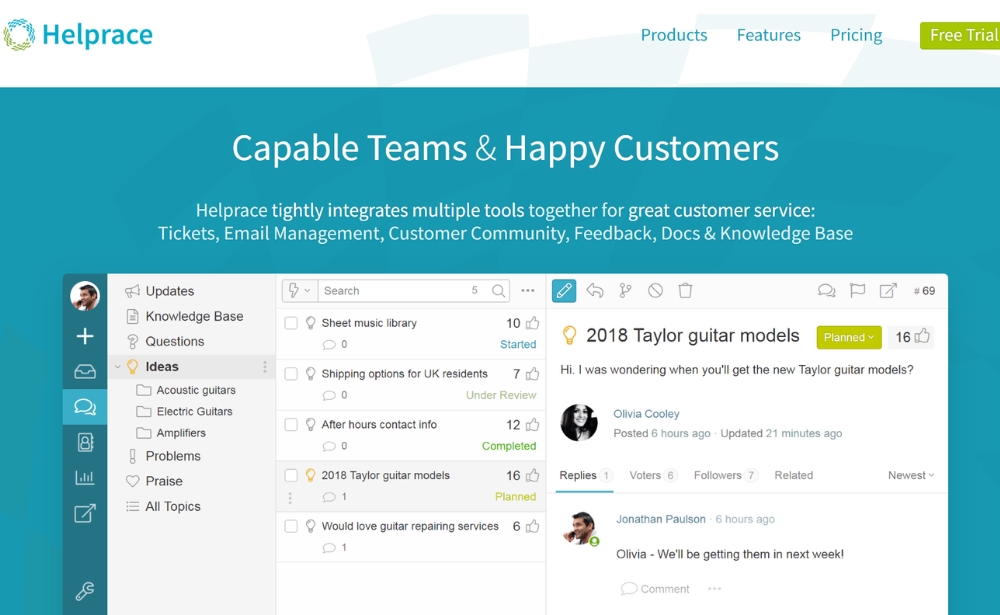
Helprace is a support and customer feedback platform that combines ticketing, a knowledge base and a community-style feedback/ideas portal. It can work well for teams that want to centralise customer questions and feature requests in one place and use voting and discussion threads to understand which ideas are most requested. The feedback portal includes features for organising and maintaining idea lists over time (for example, merging duplicates and structuring topics), which helps keep feedback usable as volume grows. Helprace also supports website widgets and email-based workflows, so users can submit requests or feedback through multiple touchpoints rather than only via a portal. Pricing is agent-based, and Helprace offers a trial; plan limits are worth checking depending on team size and feedback volume.
Website: www.helprace.com
Usability feedback tools
Usability feedback tools are also known as visual feedback tools. These tools enable the visitor to provide feedback on certain elements of the page. This can be done in both a mock-up and a live online environment.
By means of the tool, the visitor will be able to click a specific element – an image, form, button or text element – and leave feedback for that part of the page.
The feedback arrives as text or in the form of a screenshot in a protected environment and mostly through email. The tools for which the feedback arrives in a protected environment allow you to determine (together with other colleagues) which issues you take action on and provide the feedback with comments at an individual level.
Do it yourself?
A number of the tools are basically derived from the open source project created in JavaScript: feedback.js. This is, for instance, how a number of Google applications work. So, if you are mainly looking for the collection of visual feedback – and know how to work with JavaScript – it is an inexpensive alternative.
Issue and bug trackers
A number of usability feedback tools also offer integrations with external project management tools. This makes it possible to immediately pass on an issue from the feedback to the issue and bug tracking tools so a designer or developer in your team can get to work to solve the problem.
The tools below all run on live websites and web applications.
15. Usersnap
Source: Usersnap
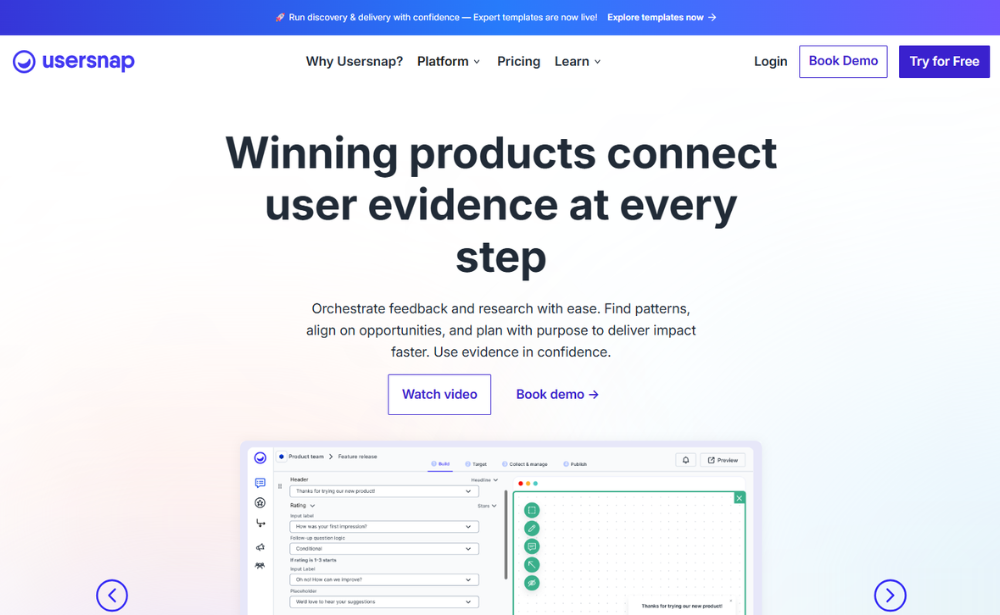
Usersnap is a visual feedback widget used by web designers. You can run it through a JavaScript tag on your website. By means of the feedback button, you start a screen in which the user can make notes, add comments and circle certain elements. All visual feedback will be sent as a screenshot. The tool offers integrations with several tools such as Slack, Basecamp, Trello and Jira.
Website: www.usersnap.com
16. Contentsquare

Source: Contentsquare
Contentsquare is an experience analytics platform that provides zone-based heatmaps, journey analyses, frustration scoring, and much more.
This enables you to swiftly identify which areas on your website cause the most friction and frustration. Simultaneously, the zone-based heatmaps reveal where your customers convert, what prompts them to click, and what captures their attention. Test your campaigns with side-by-side heatmap A/B testing and gain actionable insights to enhance your marketing efforts.
Website: www.contentsquare.com
17. Marker.io
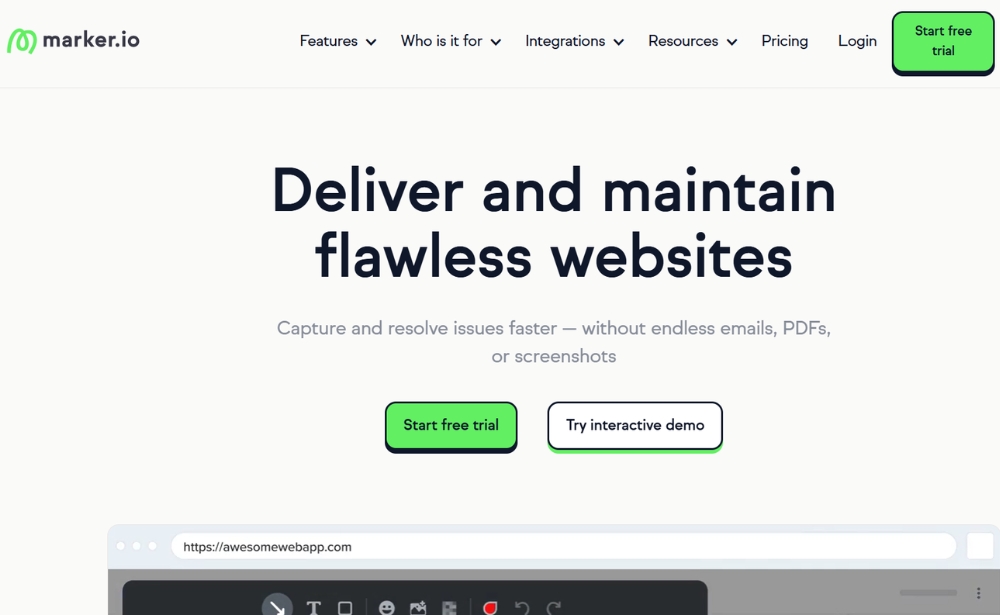
Marker.io is a visual bug reporting tool to help you save time and report visual issues in seconds. Collect visual and developer-friendly website feedback directly into your favourite bug tracking solution. The website annotation widget makes it easy for your internal testers, clients and end users to submit visual feedback with one click. It’s perfect for designers, developers, product managers and digital agencies. Easy developer-ready bug reports by non-developers, in seconds. Marker.io’s secret sauce consists of a unique, two-way sync with industry-leading issue trackers (like Jira, Asana, Github, ClickUp), on-site bug reporting, quick screenshots and annotating, automatic addition of environment data (source URL, browser, screen size and screen size), automated addition of console logs, customisable submission forms, and guest comments. Accounts start at $39, with a flexible number of users to choose from.
Website: www.marker.io
Webshop review tools
An important difference this category has compared to VOC / website feedback tools is that webshop review tools often concern assessments of webshops. Marketers often use the tools because of the well-known “Google stars”: the star-ratings shown on Google Adwords.
It is essential – especially for internet sales – to gain the trust of potential customers. The influence of these webshop reviews on the purchase behaviour of other consumers is getting increasingly bigger.
Research conducted by ReeVoo shows that no less than 80% of holidaymakers are being led by customer reviews when it comes to choosing a holiday destination. This trend is rapidly spreading to other branches.
High-end solutions
In addition to the self-service tools in this overview, there are also more high-end applications such as Bazaarvoice. An important difference is that these often also offer assessments at a product level, instead of just generic webshop reviews.
This software usually also runs on-site on product pages in order to show several reviews at a product level. Additionally, it usually also gives the option for different forms of engagement, such as being able to place comments and likes, as well as the possibility to share the review on social media. In terms of pricing, these software platforms are in a higher segment.
Google partner
The review tools below are all Google Partners. This means they have a partnership with Google as a result of which the reviews are being indexed for Google Shopping and will be shown as “star ratings” on Google ads.
18. TrustPilot
Source: TrustPilot
TrustPilot is a popular provider of review software with a global reach. Through TrustPilot you can load an email list after which customers are invited to give a review of the webshop. You can also make connections so that people are invited by email immediately after they made a purchase in the webshop.
TrustPilot shows all reviews directly in their public review community. On this website it is possible to create a company profile. In a protected environment you can check the progress of, for example, the number of reviews you have collected and respond to the assessments. TrustPilot offers widgets to show the reviews on your own website and on your Facebook company page.
Website: www.trustpilot.com
19. eKomi
Source: eKomi
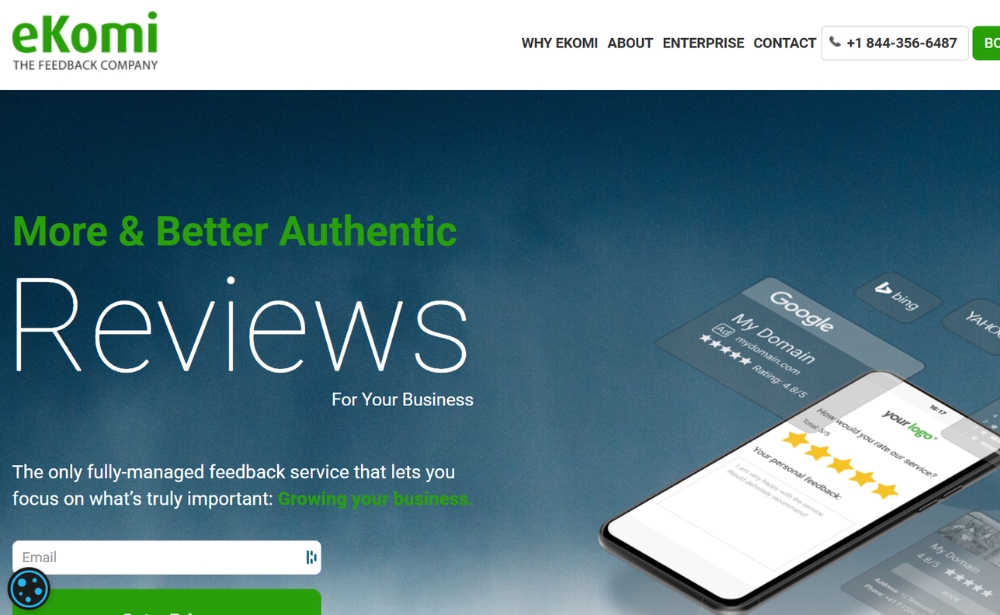
eKomi is a ratings and reviews platform that helps businesses collect transaction-verified customer feedback and dhttps://mopinion.com/31-website-feedback-tools-an-overview-and-comparison/?preview=trueisplay it on their website via embedded widgets (for example, a review seal or review snippets). It is often compared with review platforms like Trustpilot, especially for organisations that want on-site review display plus visibility benefits in search. eKomi also positions itself as a Google review partner, which can support Seller Ratings eligibility depending on your setup and Google’s requirements.
Website: www.ekomi.com
20. KiyOh

Source: KiyOh
KiyOh is another online review tool that is somewhat smaller in scale than Trustpilot. This is a favourable customer feedback tool, however, as it offers competitive prices and features that are similar to the more expensive alternatives such as TrustPilot. This tool focuses on ratings and reviews and includes a Review Alarm that notifies you of any new, incoming reviews, both good and bad. You can also respond to the reviews of your customers with this KiyOh.
Website: www.kiyoh.com
21. Feefo
Source: Feefo
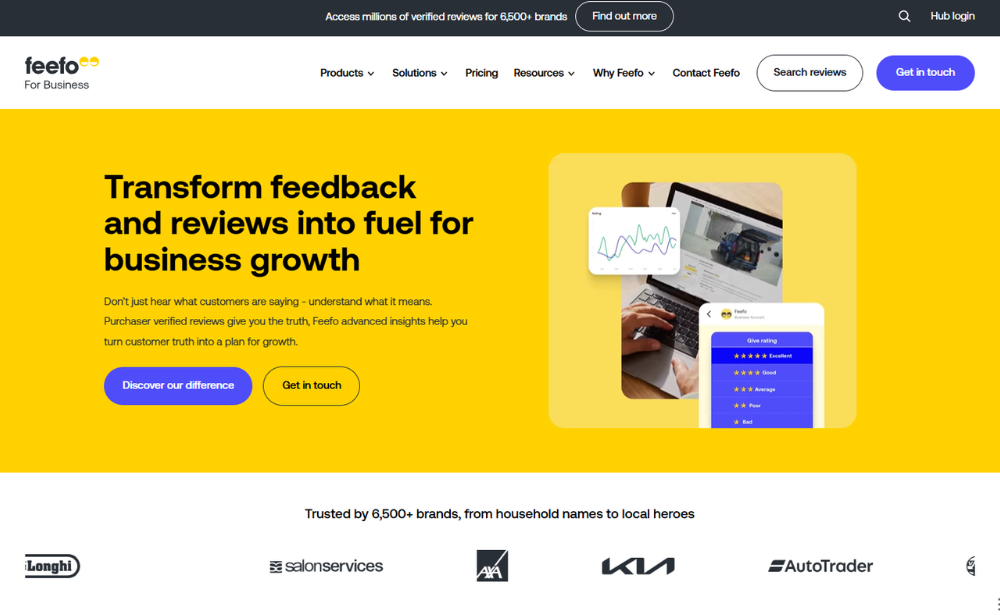
Feefo is a customer ratings and reviews platform that focuses on collecting feedback from verified buyers and then displaying those reviews across different touchpoints. For digital teams, one of the main practical uses is the ability to publish review content directly on-site via widgets (for example, on-page or pop-up review displays), so visitors can see recent service or product feedback without leaving the website. Feefo also includes tools to manage and respond to reviews and use review data as an input for broader customer experience reporting.
Looking for Reevoo? Feefo acquired Reevoo in August 2021, and Reevoo customers have since been migrated onto the Feefo platform.
Website: www.feefo.com
22. RaveCapture (formerly TrustSpot.io)
Source: Ravecapture.com
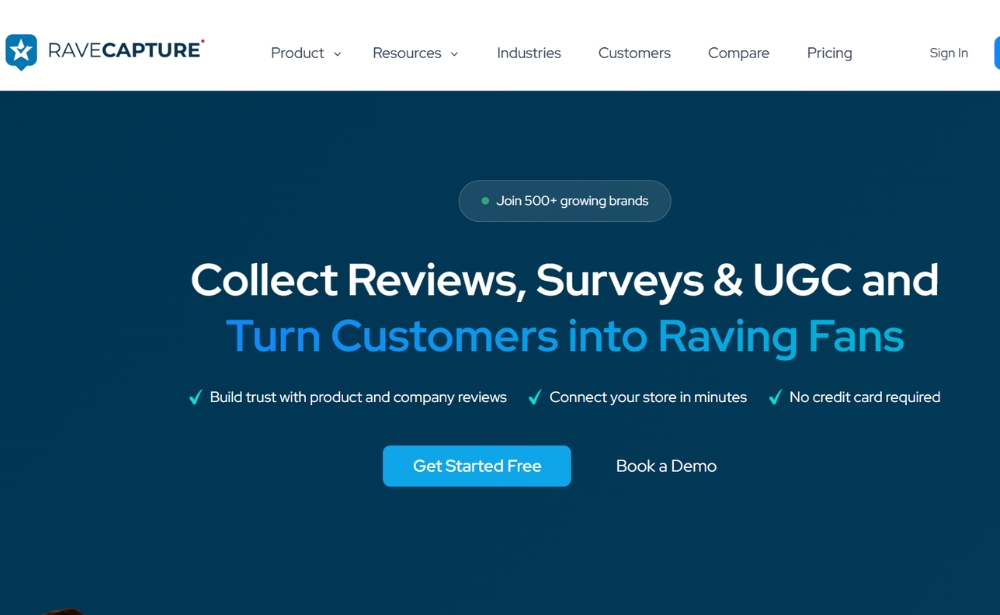
RaveCapture is a reviews and UGC platform for eCommerce teams that want to collect and display product (and brand) reviews, including photo/video content, through on-site widgets. It also supports common integrations with popular webshop platforms such as Shopify and Magento, making it easier to connect review collection and display to existing store workflows.
Website: www.ravecapture.com
Traditional survey tools
Most traditional survey tools have been on the market for quite some time and are dating from the end of the 1990’s. Yet, every year new survey tools are being introduced. Some of those tools are aimed at certain niches, while others mainly focus on user experience, or in other words, the ease of creating a survey.
Due to the emergence of website feedback, many traditional survey providers ride on the wave of the popularity of these tools.
Easy accessible interaction
Online survey tools are easy to use in order to get in contact with your audience and to trace feedback. You can use online surveys for all kinds of purposes, such as:
- Tracing product feedback
- Conducting market research
- Obtaining feedback on customer service
- Measuring customer and employee satisfaction
In addition to the possibilities mentioned above, you can obviously conduct a survey amongst your website visitors and trace feedback about the website. The surveys are usually easy to set up and in some cases also offer possibilities to analyse the quantitative data (no text analysis).
For many tools it is also possible to apply some more complex routing to the questionnaire (for example, the respondent answers “x“ to question 3, go to question 4, if the respondent answers “y“, go to question 5).
Contrary to most Website VoC tools, the possibilities to target in a survey-oriented manner on certain click behaviour are limited, and the respondent is usually diverted to a separate landing page.
23. SurveyMonkey
Source: SurveyMonkey
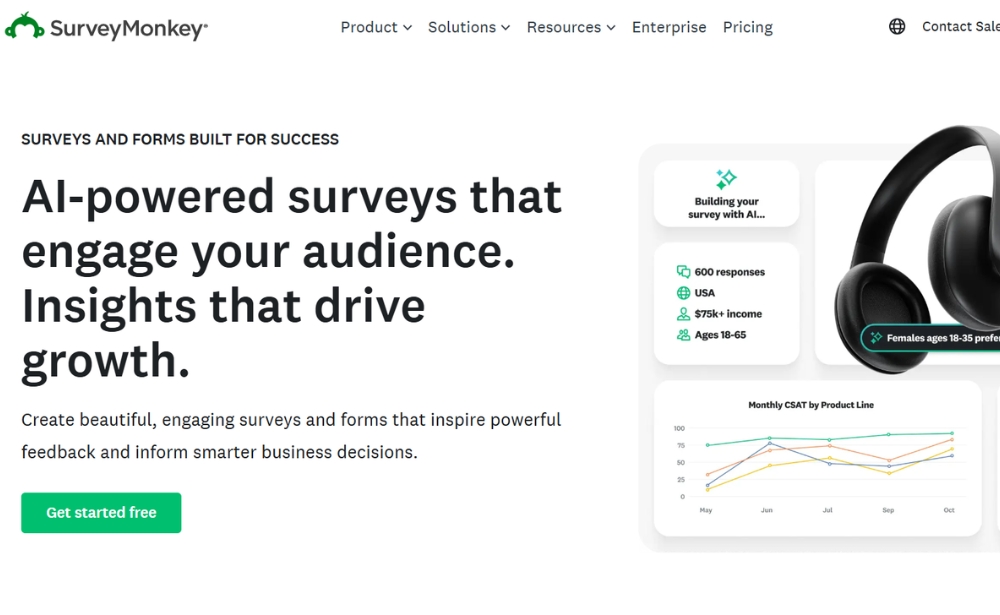
SurveyMonkey is probably the most famous survey tool in this category. In addition to companies, it is also popular amongst students. The tool offers different types of questions (such as multiple choice, open comment, Likert scales). The free version contains some limitations such as the number of questions (10) and respondents (100). In the free version it is not possible to export the data.
With SurveyMonkey you can adjust the look and feel of the surveys and invite the respondents by email or through a button on your website. SurveyMonkey also offers possibilities to analyse the data, for instance, by composing a chart with filters and cross tabs.
Website: www.surveymonkey.com
24. Paperform
Source: Paperform
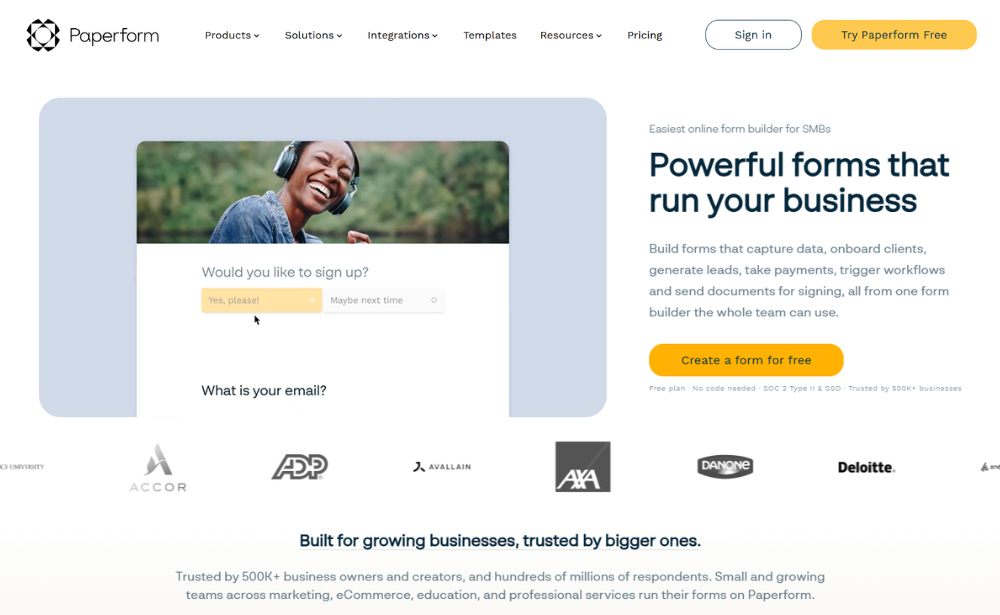
Paperform is a flexible feedback and survey tool for small and growing businesses that want more control over how their forms look and work. Using a document-style editor, teams can create branded website feedback forms, post-interaction questionnaires, and product or page feedback surveys. Paperform supports conditional logic, calculations, integrations, and AI-powered form creation, making it extra useful if you want to collect feedback and act on it from one place.
Website: www.paperform.co/
25. Alchemer

Source: Alchemer
Alchemer is a survey tool that helps teams create and launch surveys quickly, with customisable question logic and design options. It offers both a free trial and paid plans, and includes common ways to distribute surveys (such as email invites and shareable links). In terms of functionality, it’s comparable to tools like SurveyMonkey, especially for teams that want flexibility in survey design and workflows, while keeping the survey experience visually polished.
Website: www.alchemer.com
26. Crowdsignal
Source: Crowdsignal
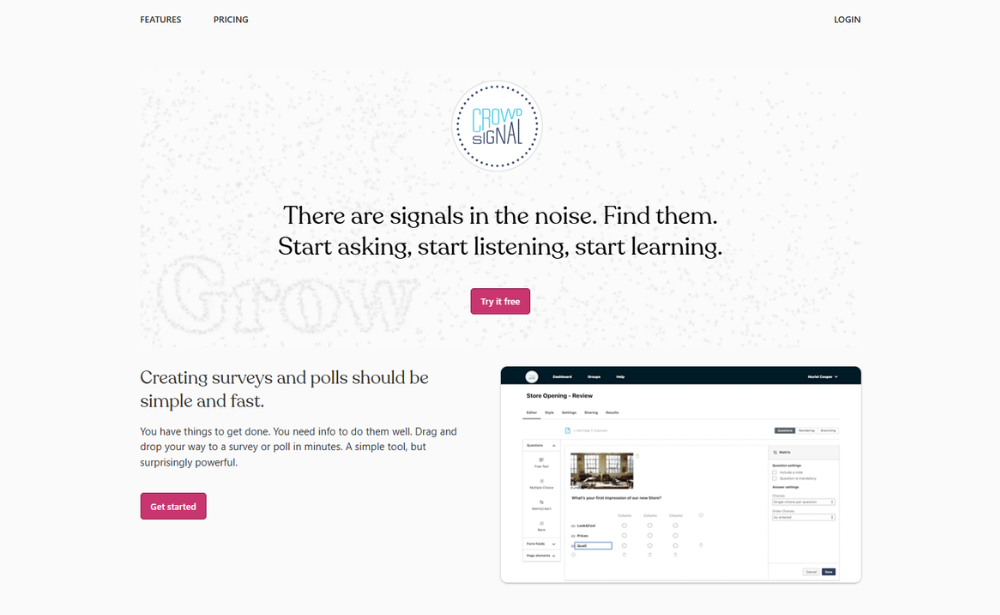
Crowdsignal, previously PollDaddy, is an online survey software that allows users to conduct surveys in two different ways: by embedding surveys on their website or inviting respondents via email. Once the data is collected, you can create filters to analyse the data and share it in reports. This is done using raw data export with programmes such as Excel, PDF, CSV, Google Docs and XML. The results of these surveys can all be viewed in real-time.
Website: www.crowdsignal.com
27. HubSpot
Source: HubSpot
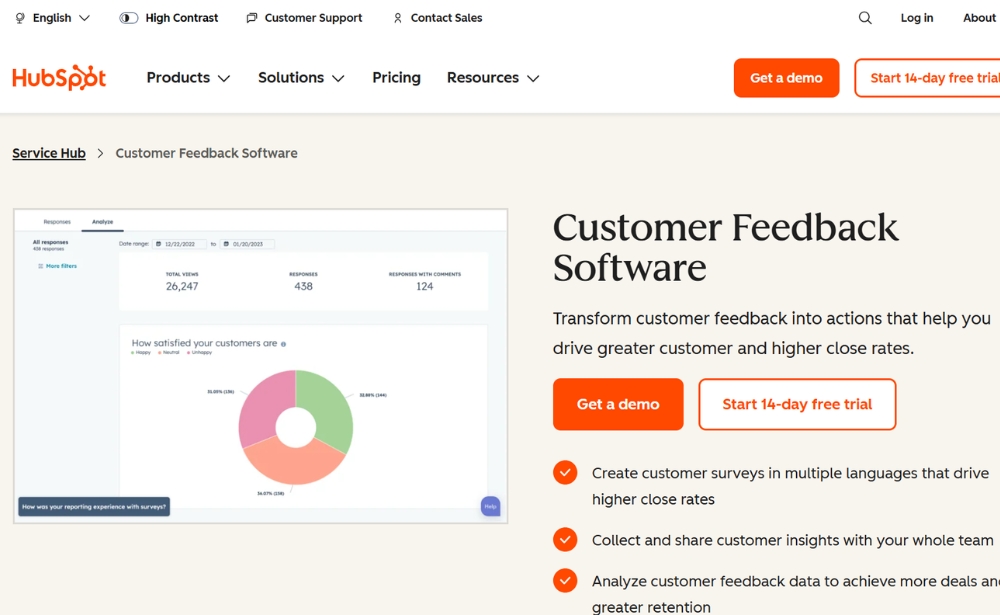
HubSpot’s out-of-the-box survey tools make it easy to capture qualitative and quantitative feedback so you can understand your customers better. With HubSpot, you can create and deliver surveys via email and on your website. The tool will also help you choose the right format for your survey and track your surveys so you can improve your customer experience over time.
Use a Net Promoter Score (NPS) survey to measure customer loyalty over time, send Customer Effort Score (CES) surveys to understand how easy it is for customers to get the support they need, or distribute customer satisfaction (CSAT) surveys to understand how satisfied customers are after different points in the customer journey. Moreover, keep track of all your customer feedback in a single dashboard so your whole team can monitor changes in customer satisfaction over time.
Website: www.hubspot.com
28. Typeform
Source: Typeform
Typeform is an online survey software with a very user-friendly interface that allows users to put surveys together themselves. As a respondent, the process of filling in a survey goes quite smoothly. The free version of Typeform includes free features such as unlimited questions and answers, data export options, custom-designed themes as well as readily-made templates and basic reporting features.
Website: www.typeform.com
29. Formsite
Source: Formsite
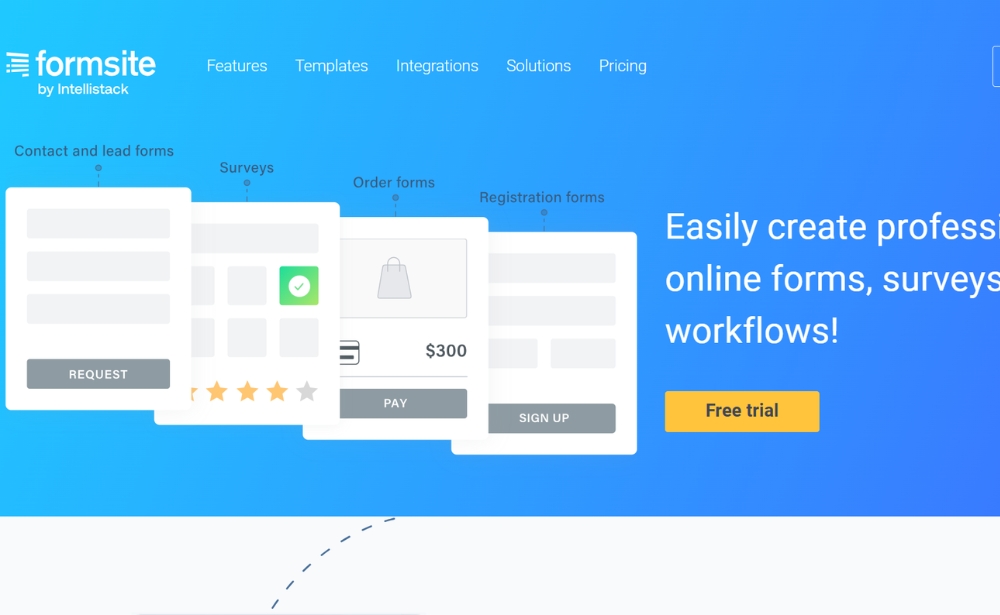
Formsite also is a tool to build forms and surveys. The tool has more than 100 templates that can be used to compose surveys. The tool offers integrations with, for example, SalesForce, Mailchimp and Dropbox.
Website: www.formsite.com
30. Google Forms
Source: Google Forms
When even the biggest internet company in the world is starting to interfere with the collection of qualitative customer data, it is safe to assume that surveys are “big business”.
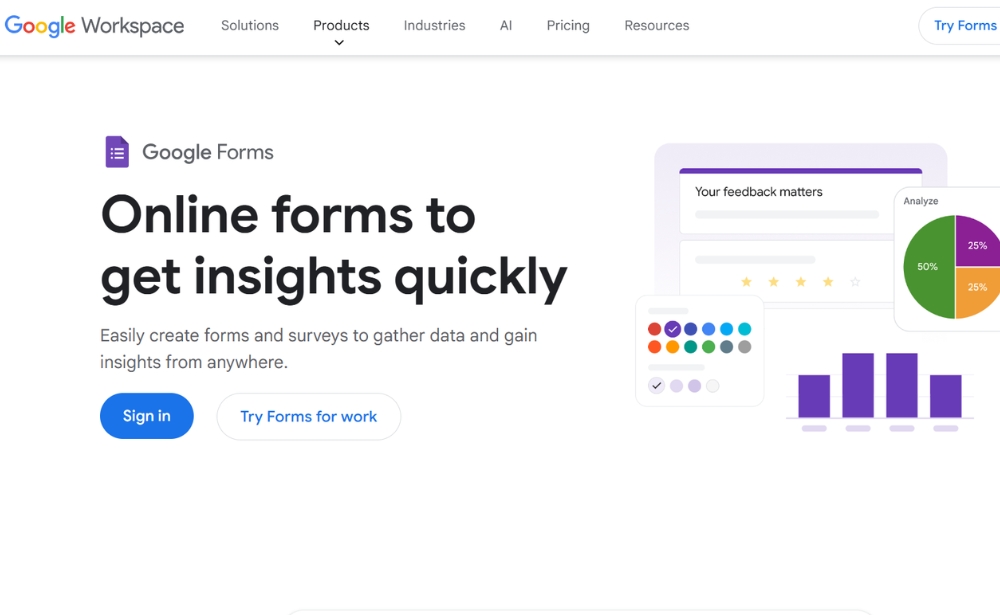
Also with Google Forms, you can put together surveys to collect feedback from your customers. With a drop and drag interface and a collaboration capability, you and your team can create and customise your surveys quickly.
The responses are available in real-time in a protected environment. Here you can also perform further analysis on the data, for example by composing a chart.
It is obvious that connections have been made with other Google products. This way, all data is immediately available in Google Sheets. The surveys are free for those who already have a Google account and are directly available through Google Docs, docs.google.com.
Website: www.google.com/forms/about/
31. Qualtrics
Source: Qualtrics
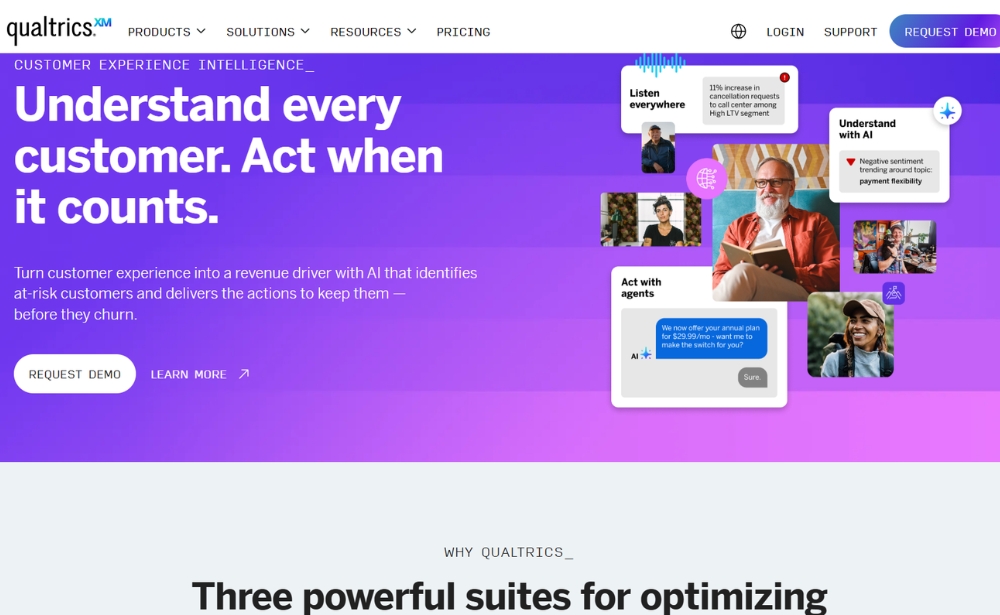
Qualtrics is an online survey software and questionnaire tool that somewhat pushes the boundaries of traditional surveys. It offers nearly 100+ question types, several readily made survey templates as well as features such as display logic, email triggers and logic branching. Included in its real-time web reports, users can choose from over 30 different graph types and export results to CSV or SPSS.
Website: www.qualtrics.com
More about Mopinion
Mopinion is the #1 feedback software for websites, apps and email that not only falls under a few of these feedback categories, it also takes feedback one step further and offers in-depth analysis opportunities for its users. With real-time data visualisation in customisable dashboards and charts, users are able to quickly and efficiently digest large sums of feedback data on all their digital channels including website, mobile apps and email). Our ‘one-stop shop’ offers:
- Feedback forms (passive and active) for all your digital channels
- Visual Feedback
- Generative AI-summaries
- More complex surveys that include question routing
- Conversational feedback
- In-depth analysis, including text analytics, sentiment analysis, smart labeling, etc.
- Advanced data visualisation with in-chart filtering and customisable dashboards
- Seamless data exploration
- Advanced action management
Choosing the right website feedback tool depends on your goals, whether that’s reducing friction, collecting reviews, or gathering ideas. Mopinion combines multiple feedback types in one platform with advanced analytics for websites, apps, and email.
Doing research for your Martech stack?
Be sure to check out some of our other marketing technology tool roundups, such as the best mobile in-app feedback tools, customer journey mapping tools, usability testing tools and more.
Frequently asked questions about website feedback tools
A website feedback tool is software that enables organisations to collect direct feedback from visitors about their online experience. These tools can use feedback buttons, embedded forms, targeted surveys, ratings or open-ended questions to uncover website issues, customer needs and conversion barriers.
The main types include website Voice of Customer surveying tools, community feedback platforms, usability and visual feedback tools, webshop review tools and traditional survey software. Each category supports a different use case, from collecting private in-the-moment feedback to gathering public reviews or feature ideas.
Web analytics show what visitors do, such as where they click, how long they stay and where they leave. Website feedback tools help explain why they behave that way by allowing visitors to describe problems, unmet expectations or difficulties in their own words.
Look for a tool that matches your feedback goals, digital channels, audience targeting needs and reporting requirements. Useful features may include customisable forms, behavioural triggers, dashboards, text analysis, integrations, team alerts and options for routing feedback to the right stakeholders.
Website feedback tools can help improve conversion rates by identifying the reasons visitors abandon important pages, forms, shopping baskets or checkout journeys. Teams can then use these insights to remove friction, improve content and prioritise changes that support conversion.
A website Voice of Customer tool collects private, in-the-moment feedback from visitors while they are using a website. It can help teams measure satisfaction, uncover digital friction and understand the reasons behind customer behaviour on specific pages or journeys.
Visual feedback focuses on specific page elements, design problems or technical bugs and often includes screenshots or annotations. Customer feedback is broader and may cover satisfaction, expectations, content quality, products, services or the overall website experience.
Yes, some website feedback tools offer free plans, trials or limited versions. These can work well for simple feedback collection, but paid platforms generally provide more advanced targeting, customisation, analytics, integrations and collaboration features.
Ready to see Mopinion in action?
Want to learn more about Mopinion’s all-in-1 user feedback platform? Don’t be shy and take our software for a spin! Do you prefer it a bit more personal? Just book a demo. One of our feedback pro’s will guide you through the software and answer any questions you may have.