Project management software (PM) helps teams plan projects, assign tasks, manage deadlines and track progress from one central workspace. The best project management software in 2026 goes even further, combining project planning with automation, AI, collaboration, reporting and resource management.
Some platforms are ideal for small teams that simply need to organise tasks. Others are built for agile development, complex portfolios, resource planning or enterprise-wide project management.
In this guide, we compare 20 of the best project management software tools available in 2026, including their key features, ideal use cases and pricing, to help you find the platform that best matches the way your team works.
TL;DR – Article Summary
- Project management software helps teams plan work, assign tasks, manage deadlines and track progress from one central place.
- The right platform can improve visibility, collaboration, accountability, resource planning and reporting across projects.
- Important features to look for include task and workflow management, multiple project views, automation, AI, integrations, reporting and security.
- The best project management software depends on your team size, project complexity, preferred workflows, budget and existing technology stack.
- Free plans and trials are useful for testing a platform with a real project before making a long-term commitment.
- Because features, plans and pricing can change regularly, always check the provider’s website for the latest information
In this article you will find the following:
- What is Project Management Software?
- Why use Project Management Software?
- What makes a good Project Management Software?
- Best Project Management Software
- Frequently asked questions about project management software
What is Project Management Software?
Project management software is a digital platform that helps teams plan, organise, manage and monitor projects from start to finish.
These tools typically bring tasks, deadlines, project timelines, files, communication and reporting together in one workspace. More advanced platforms can also support resource allocation, workload management, budgeting, workflow automation and project portfolio management.
Project management software can be used across departments and industries, including marketing, product development, IT, software development, operations and professional services.
Why use Project Management Software?
Project management software creates a central source of information for everyone involved in a project. Instead of relying on disconnected spreadsheets, email threads and status updates, teams can see what needs to be done, who is responsible and how work is progressing.
Key benefits include:
- Better visibility: see tasks, deadlines, dependencies and project status in one place.
- Clearer accountability: assign tasks and ownership so everyone understands their responsibilities.
- Improved collaboration: keep project discussions, documents and updates connected to the work.
- More efficient workflows: automate repetitive actions, notifications and handovers.
- Better resource planning: identify workloads, capacity and potential bottlenecks.
- More useful reporting: monitor progress and project performance using dashboards and reports.
- Fewer unnecessary meetings: stakeholders can check project status without requiring constant manual updates.
What makes a good Project Management Software?
The right project management software should make it easier to organise work rather than create additional administration. The exact features you need will depend on your projects and team, but there are several capabilities worth considering.
Task and workflow management
Teams should be able to create tasks and subtasks, assign owners, establish priorities, set deadlines and manage dependencies.
Multiple project views
Lists, Kanban boards, calendars, timelines and Gantt charts make it easier for different teams to visualise work in ways that suit their workflows.
Automation and AI
Modern platforms increasingly use automation and AI to summarise work, generate content, prioritise tasks and reduce repetitive project administration.
Team collaboration
Comments, mentions, shared documents, approvals and notifications help prevent project communication from becoming scattered across multiple tools.
Resource and workload management
For teams managing multiple projects, workload and capacity planning can help identify bottlenecks and prevent over-allocation.
Reporting and dashboards
Reporting should make it easy to understand project progress, deadlines, workload and overall project health.
Integrations
Look for integrations with the tools your organisation already relies on, such as Slack, Microsoft Teams, Google Workspace, CRM platforms and development tools.
Security and permissions
Larger organisations should also consider access controls, SSO, audit capabilities, data residency and other governance requirements.
With these aspects in mind, let’s take a look at the top 20 best project management software..
Best Project Management Software
1. MeisterTask
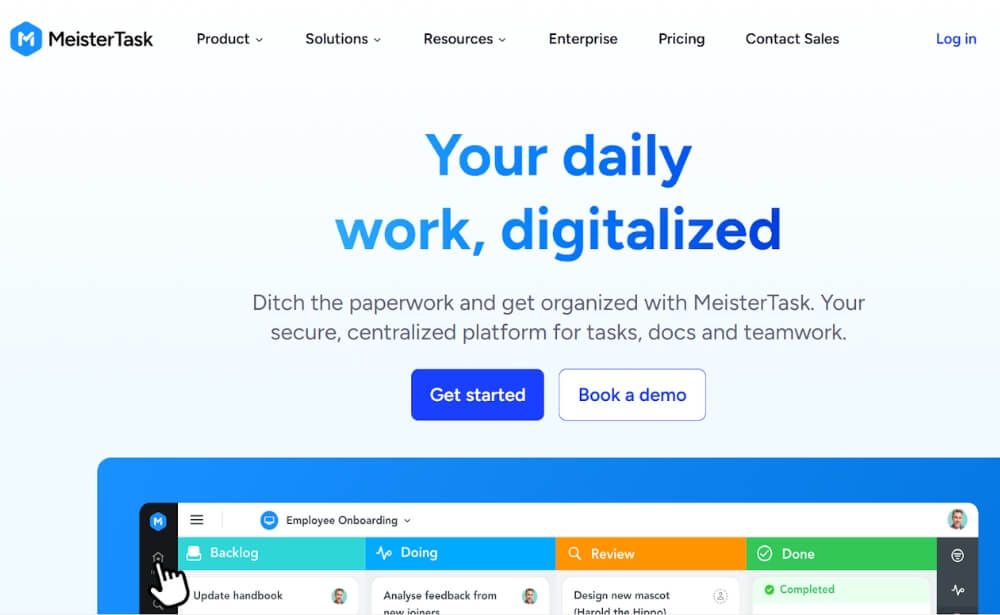
MeisterTask’s simple, yet powerful Kanban structure facilitates the smooth management of projects. With its wide range of collaborative capabilities, this smart, intuitive online task management tool is a popular choice for teams that value clean visual design and user experience.
Features such as watching, mentioning, tags and task scheduling make it simple and enjoyable to collaborate with colleagues both in-house and in home office.
MeisterTask also includes the first-of-its-kind agenda: a personal board to which tasks from any project can be pinned and organised. Despite this extensive functionality, MeisterTask remains swift and logical thanks to a range of intelligent automations and robust native integrations with software including G Suite, Slack and GitHub.
Pricing: MeisterTask offers a free Basic version with selected core functionality. Pro ($13.50 per user/month), offers a more comprehensive feature set for single users, while teams are best served by the Business ($24 per user/month) and Enterprise (upon request) packages.
Website: www.meistertask.com
2. Basecamp
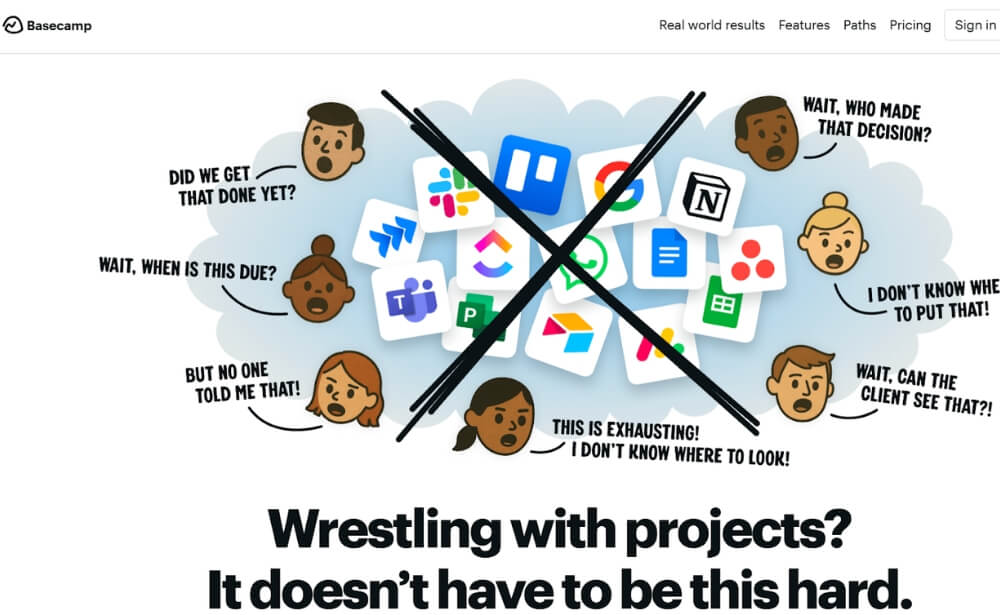
Basecamp is a popular project management software that is widely used by many project management teams. This software offers several different collaboration features such as a designated discussion area where users can leave behind comments. Additionally, a recap of the projects your team is working on (e.g. status and updates) is sent out on a daily basis to your email. Users can contribute to discussions via email as well. If you are unable to find a particular item, you can make use of this software’s powerful search tool to locate files or conversations. Some shortcomings, however, include the lack of milestones and customisation options as well as the inability to add an estimated duration for a task or assign it to more than one user.
Pricing: Basecamp is available to larger businesses for $299/month. For freelancers, startups and small teams, you can use Basecamp for $15 per user/month.
Website: www.basecamp.com
3. Nifty
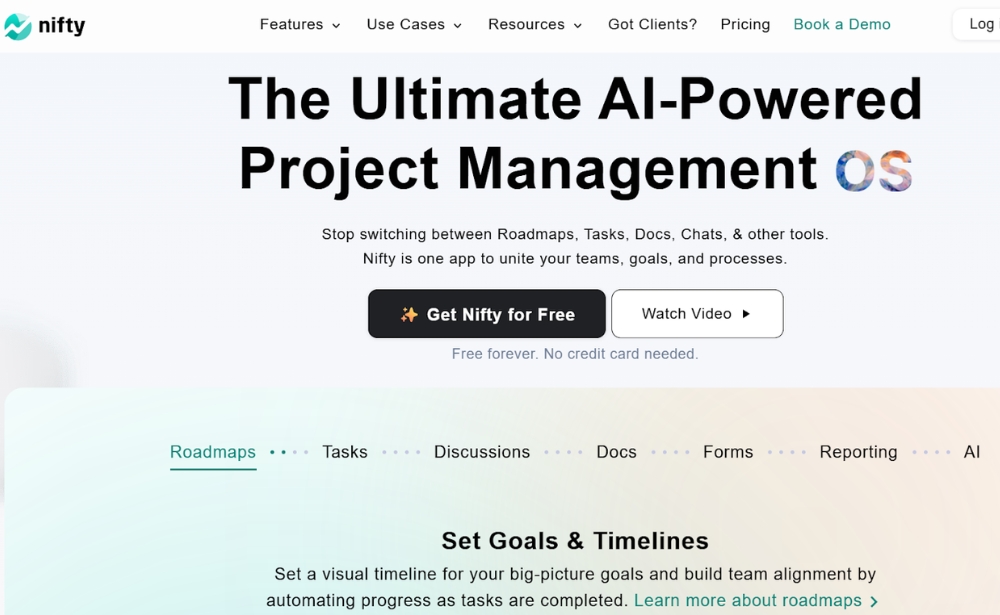
Nifty is a new-wave project management tool that reduces project development cycles and improves team productivity by combining all of the important features of project management into one software. The end result is milestone-driven progress that keeps teams inspired, ensuring organisational goals remain on schedule. Nifty’s software allows you to manage tasks through both kanban or list view, has a built-in calendar that can be integrated with Google, as well as file and document sharing. Collaborating on Nifty is natural because each project has an individual discussion thread encouraging project-specific communication.
Pricing: Nifty’s pricing ranges from $7 per member/month for the essential features to $16 per member/month for the business package. Enterprise prices are given upon request.
Website: www.niftypm.com

How to Balance Product Vision With User Feedback
Discover the balance between trusting your product vision and listening to user feedback.
4. Hive
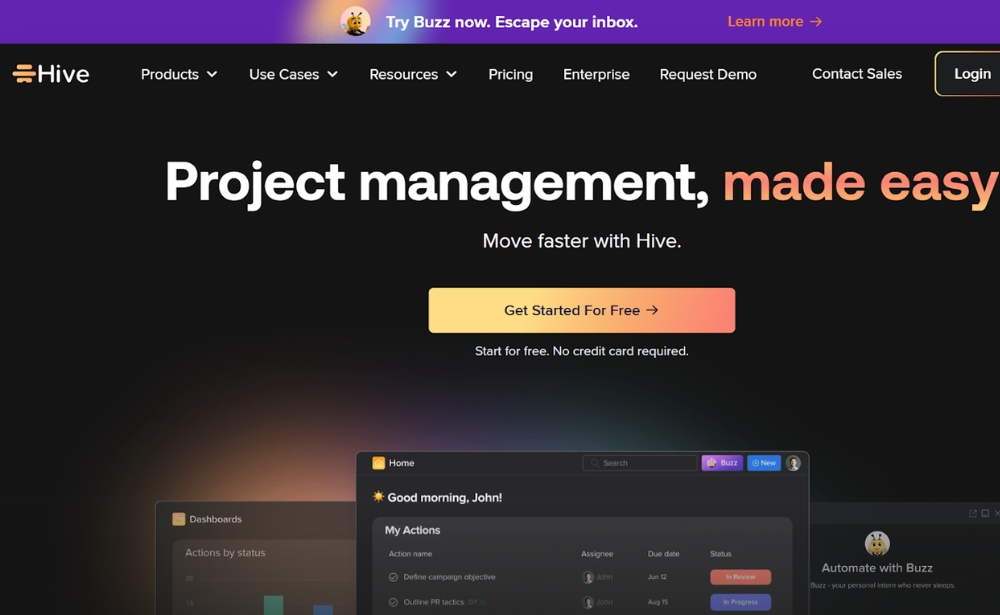
Hive is a project management platform that brings all of your workplace tools to one single dashboard. This allows you to manage projects, chat with coworkers, send emails, and even start Zoom calls without ever leaving the window.
Hive offers a variety of features, including:
- 6 flexible project views (including Gantt, Kanban, Calendar & Table views)
- Proofing and approvals
- A native chat application
- A collaborative note-taking application
- Time-tracking, timesheets, and resourcing
- A goal-tracking application
- An AI-powered writing tool
Via the Hive Forum, customers also have access to a public roadmap and can submit and vote on the features they’d like to see in Hive. The software is available online in a web browser, via desktop apps for Mac and Windows, or on iOS and Android mobile apps.
Pricing: Hive Free: Free forever for teams of up to 10. Limited storage and functionality. Hive Starter: $5 per user/month. Best for lighter project management needs. Hive Teams: $12 per user/month. Offers full functionality with access to flexible add-ons for advanced project management. Enterprise: Price is given upon request.
Website: www.hive.com
5. ProofHub
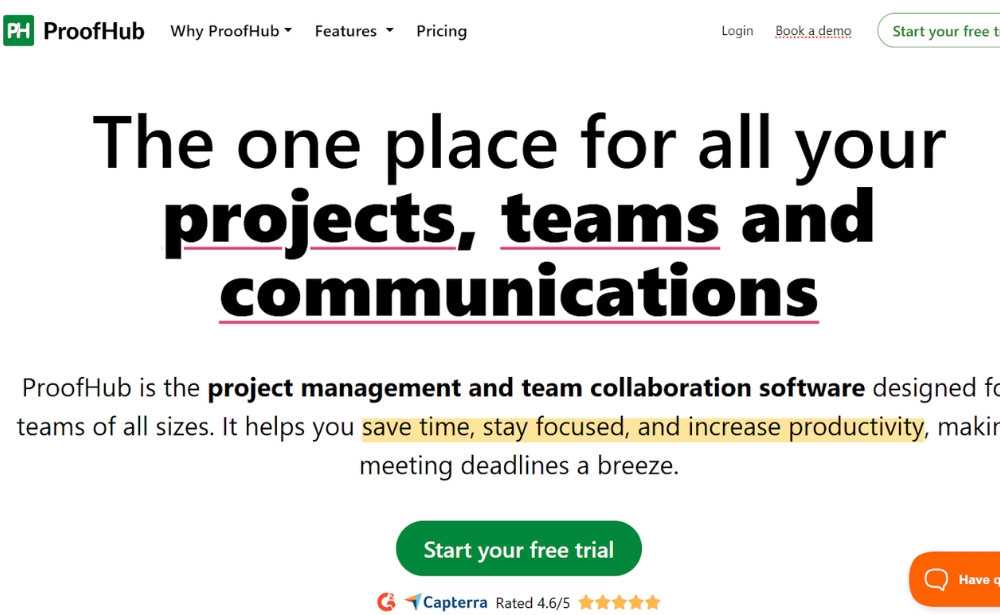
ProofHub is an online project management app that places an emphasis on simplicity. This project management software is intended mainly for small and growing businesses. Projects are assigned to groups and clients, who are able to discuss, share and edit. Proofhub also offers to create custom roles for users to create Gantt charts. The following are some of the subcomponents of ProofHub:
- Custom Roles
- Task management
- Workflows and Boards
- Gantt Charts
- Reports
- Time tracking
- Discussions
- Chat
- Calendar
- File management
- Notes
- In-app notifications
Pricing: ProofHub pricing ranges from $45/month to $99/month depending on the number of projects and storage needed.
Website: www.proofhub.com
6. Zoho Projects
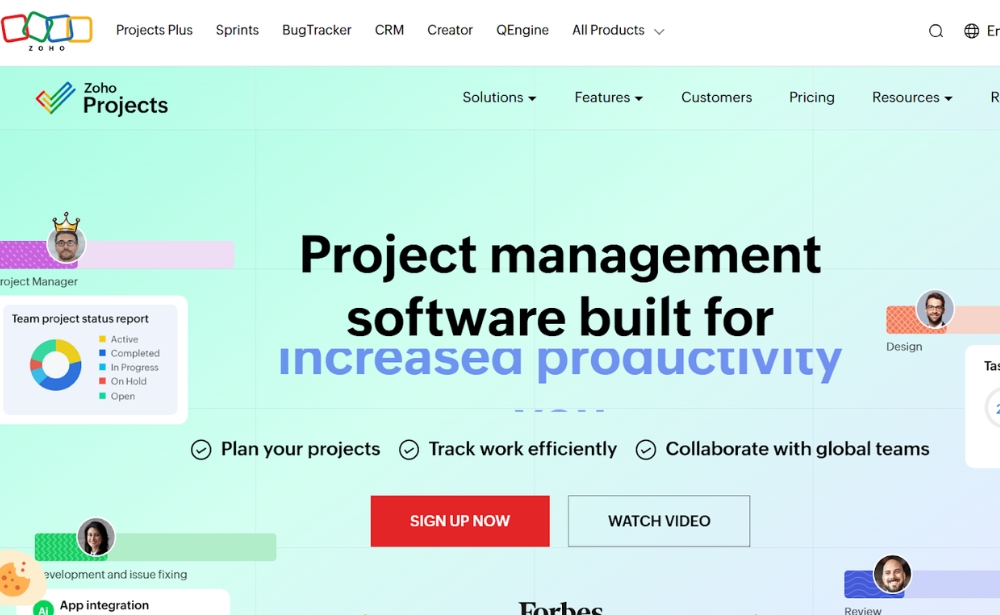
Zoho Projects is an extensive project management software with a clean and straightforward interface. This software covers everything from Project Planning (breaking down projects into manageable units) and Gantt Charts (to visualise the progress of tasks) to Reporting Tools, Collaboration Software (to ease contact between consultants, vendors, employees and clients) and Document Management. It can also be integrated with tools such as Google Apps and DropBox. Here’s a more in-depth look at Zoho.
Pricing: Zoho offers a free plan that includes 3 projects and 5 GB storage, a premium plan (US $5/user/month (annually) and enterprise (US $9/user/month (annually). The last plans all depend on the number of projects and storage space.
Website: www.zoho.com
7. Trello
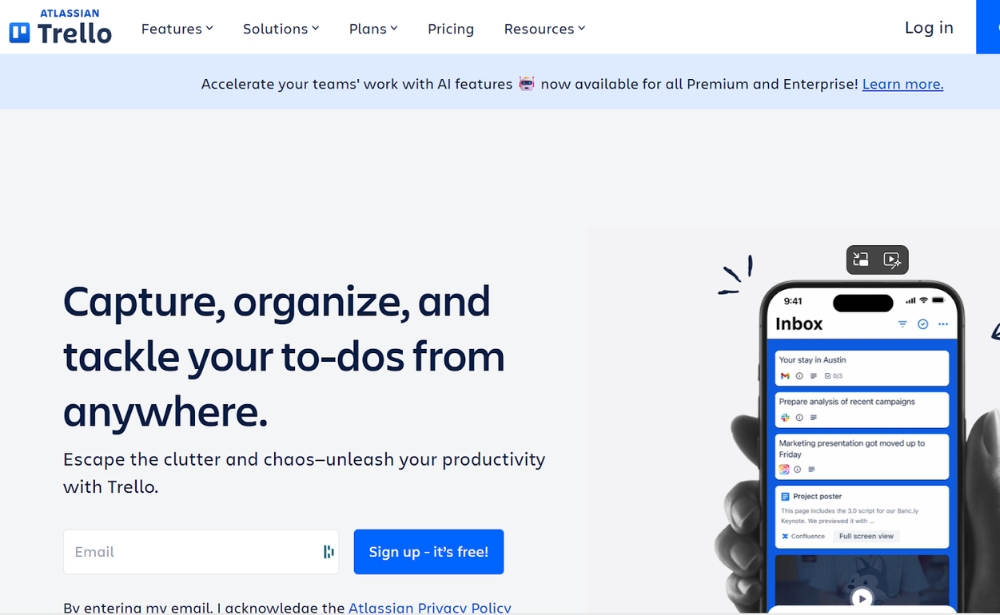
Trello is unlike other project management software in that it is an online kanban tool. This means that it visualises an entire project in just one single view. Trello makes it possible to make cards and move them around on the ‘board’. These cards can display conversations or to-do lists, among other things. All cards can be placed on a board, making them accessible for any of the designated tool users.
Pricing: Trello offers a free package (with unlimited boards, lists, cards and members). It also has a standard package for small teams that costs $5 per user, per month, a premium package for $10 per user/month and an enterprise package which starts at $17.50 per user/month.
Website: www.trello.com
8. JIRA
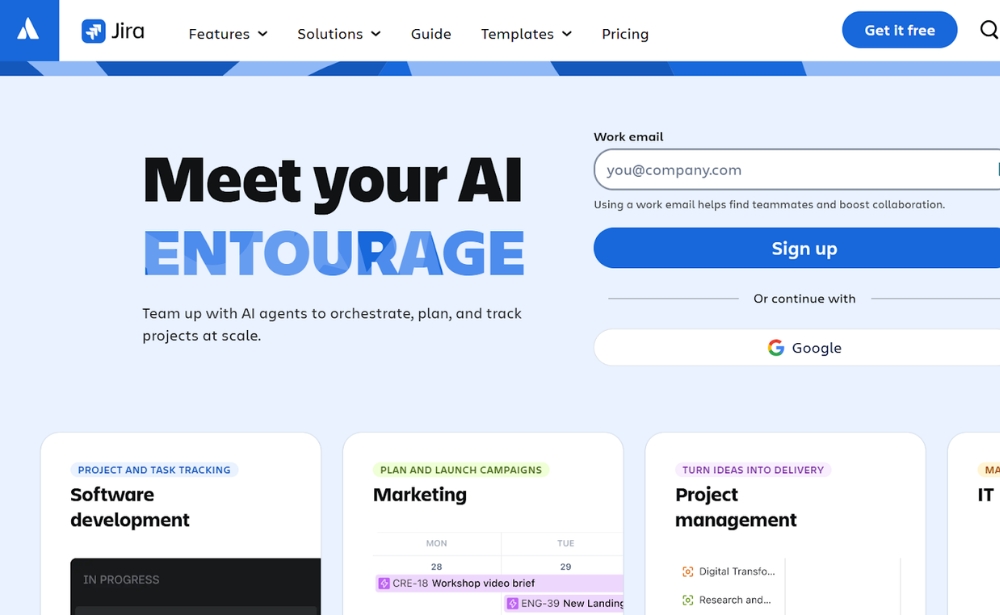
JIRA is a popular project management software that caters mostly to agile, software development teams. Within the software, these teams can create customisable scrum boards, kanban boards and make use of agile reporting (in real-time). Users can also track bugs, view any outstanding issues and monitor time spent per task. JIRA comes with a robust set of APIs that enable users to connect it with many third-party software.
Pricing: Pricing ranges from a limited, free plan for up to 10 users, a Standard package for $7.91 per user/month, a Premium package for $14.54 per user/month and an Enterprise package, with prices upon request.
Website: www.atlassian.com
Use Feedback to track project management success
Boost performance, functionality, usability, and reliability of your project's deliverables with Mopinion – the European #1 feedback software for websites, apps and email.
9. Asana
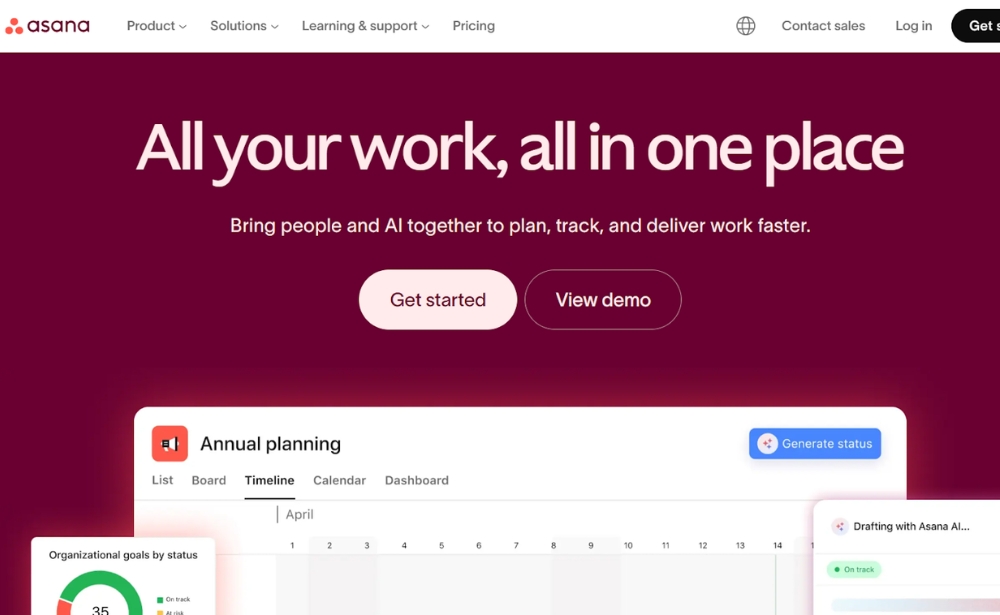
In order to keep work organised, the Asana project management software offers Tasks, projects, conversations and dashboards. Many users highlight the ability to add custom fields as Asana’s most appealing feature. The software also offers Team Pages where ideas and conversations are shared for all to see as well as a ‘Smart Box’ where team members receive only important project updates instead of every message exchange. It can be integrated with a large number of other systems including Google Drive, DropBox, Github, MailChimp and more.
Pricing: Asana offers a basic, free version for individuals and small teams. Businesses can sign up for their starter package €10.99 per user/monthly, or advanced package €24.99 per user/monthly.
Website: www.asana.com
10. Monday.com
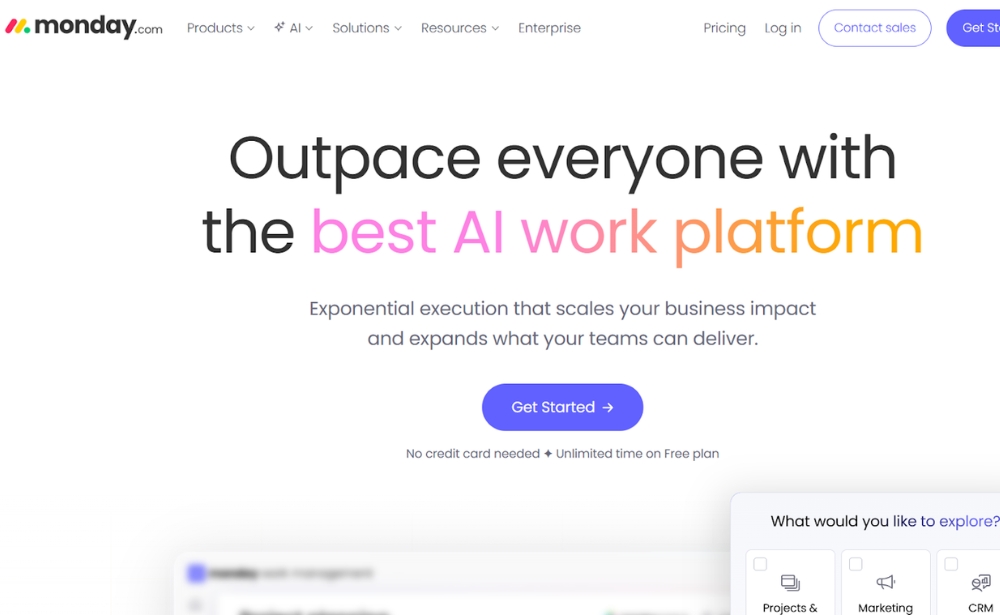
You start with Monday.com by creating your own personal workflow. With this, you can visualise and highlight elements like time management, text or locations. You can share and work with this tool with your whole team and save time by only recording the important documents and conversations.
Pricing: Monday.com offers different paid plans, depending on the size of the company and the number of users. Starting from a free plan for up to 2 users per month, to Basic (€9 per user/month), Standard (€12 per user/month), Pro (€19 per user/month) and Enterprise (prices given upon request).
Website: www.monday.com
11. Wrike
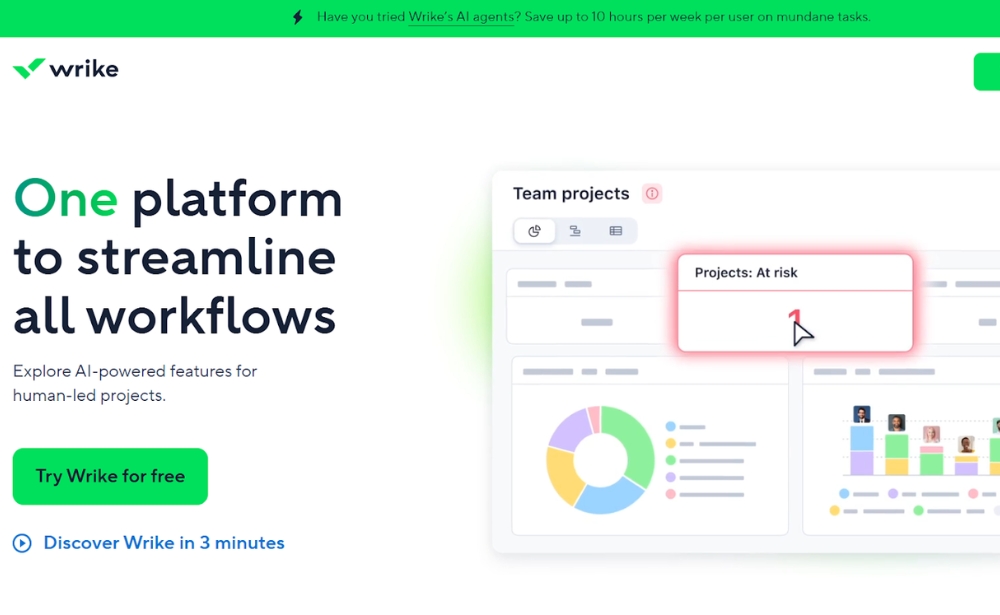
Wrike is a cloud-based collaboration and project management software. This tool helps its users keep track of day-to-day operations and ensures that the project is finished within a certain frame and pre-determined cost. When setting up tasks, Wrike can be integrated with other business tools such as Google Apps, Microsoft Excel, Dropbox and many more.
The Wrike app also provides the option to transform emails into tasks. This email integration also enables users to create, assign or edit documents from their email account.
Pricing: Wrike offers a free version, a Team package for small teams ($10 per user/month), a Business package ($25 per user/month) and an Enterprise version (pricing available upon request).
Website: www.wrike.com
12. Adobe Workfront
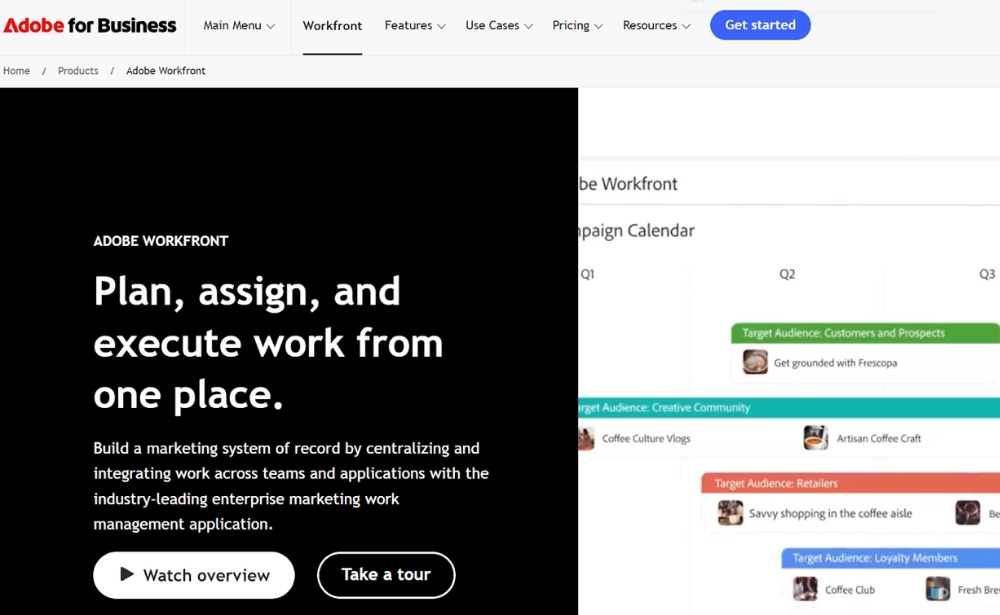
Adobe Workfront is a user-friendly project management software that offers customisable project dashboards, real-time reporting and clear visibility of all ongoing tasks and operations. It also offers capacity planning and project prioritisation tools as well as notifies teams of work in progress. Workfront can be integrated with other systems such as Adobe Creative Cloud, Google Drive and Microsoft Outlook.
Pricing: Pricing for all packages is only available upon request.
Website: www.workfront.com
13. Hubstaff
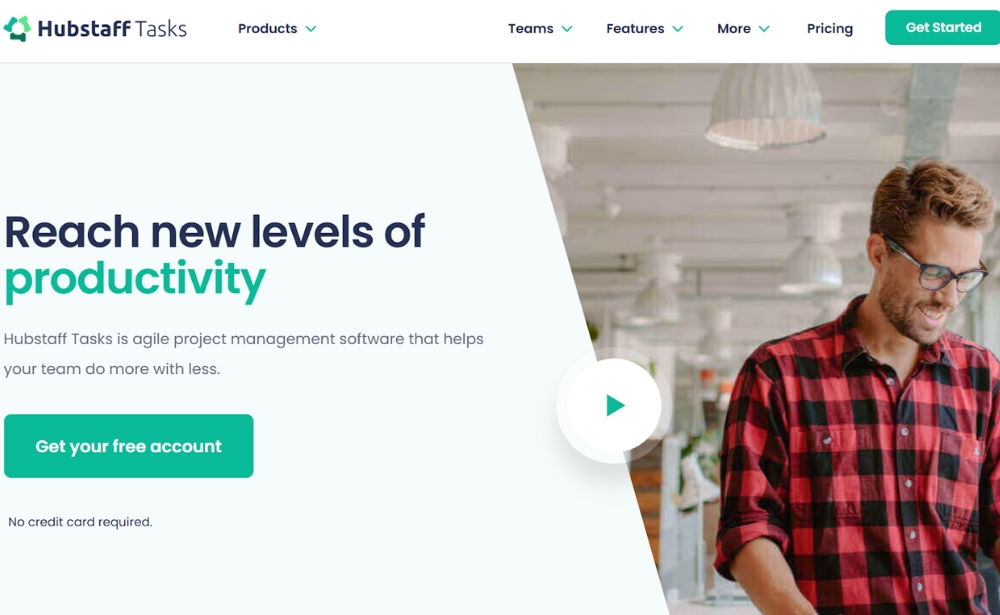
Hubstaff is a great tool with automated workflows, based on the agile methodology. With Hubstaff you can focus on your sprints by prioritising tasks, automating stand-ups and easily share comments and the status of the project with your team members.
Pricing: Hubstaff offers a free plan for up to 5 users and a Premium package for $4.17 per user.
Website: www.hubstaff.com
14. Tempo Portfolio Manager (formerly LiquidPlanner)
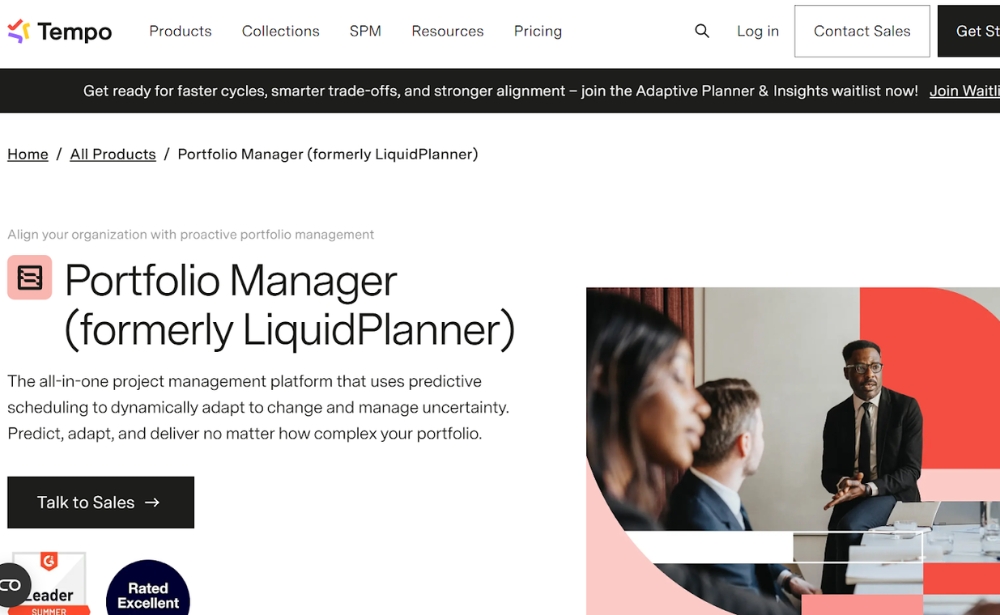
Tempo Portfolio Manager, formerly LiquidPlanner, is a project management software that adapts to your business automatically. For example, when a user’s priorities and resources change, the software automatically updates these changes. This software also offers cross-project visibility, showing insights into progress, risks and budgets for all projects at once. Its advanced analytics help users manage project performance, view costs and profits as well as monitor resource utilisation, client portfolios and baseline trends.
Pricing: Tempo Portfolio Manager (formerly LiquidPlanner) is priced on request.
Website: www.tempo.io
15. Clickup
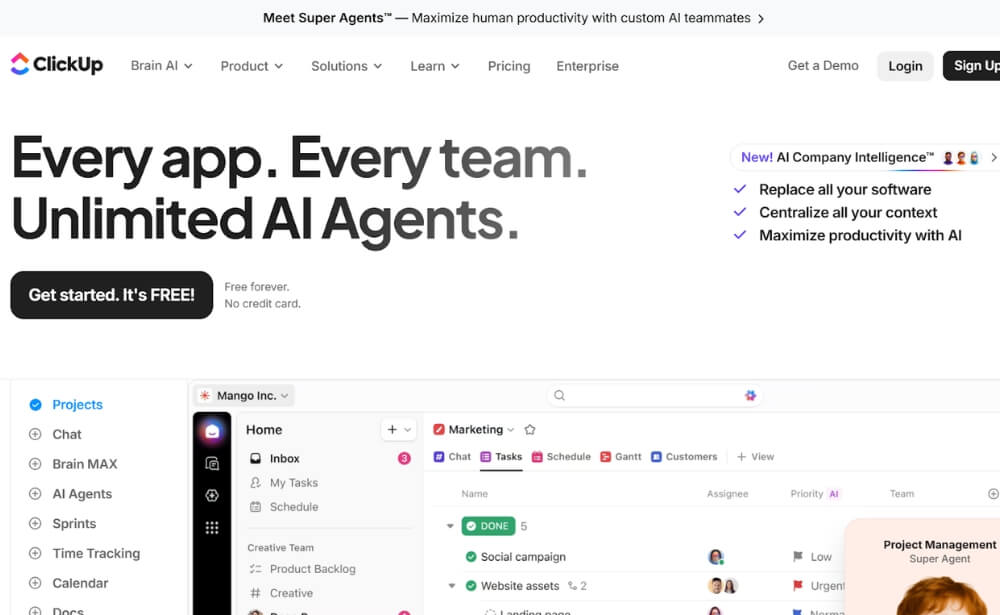
Clickup is perfect for process and task management. You can customise your workflow, assign tasks and add different types of dependencies for tasks. If you work Agile, this tool will suit you. Manage your sprints and resources, check the workload of your team and work together with other teams in this tool.
Pricing: ClickUp offers a free plan, a paid Unlimited plan ($7 per user/month) a Business plan ($12 per user/month) and an Enterprise plan (price is given upon request.
Website: www.clickup.com
16. TeamGantt
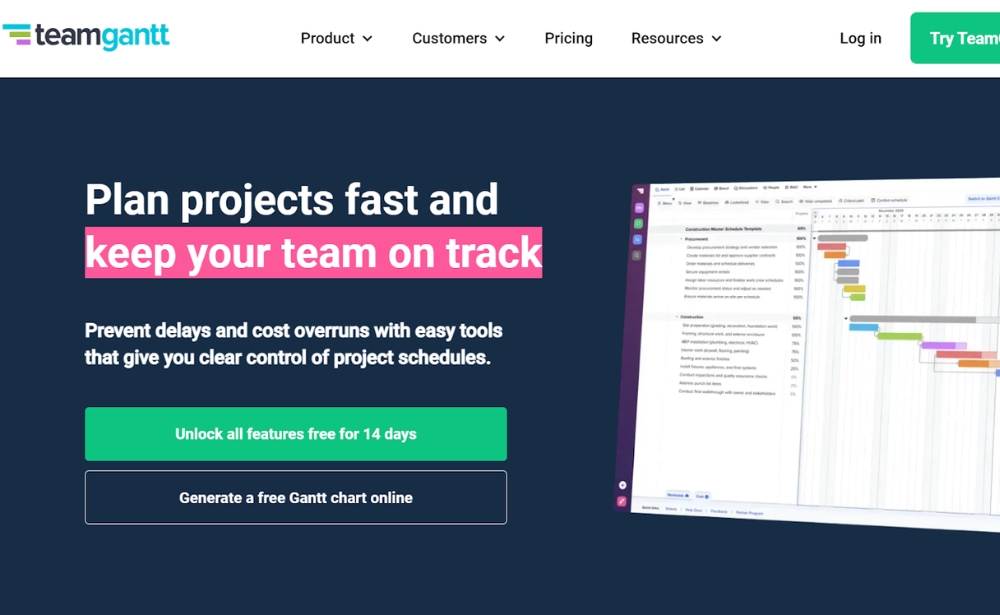
TeamGantt is a project management software that caters really well to smaller businesses. It is very easy to set up and can probably be up and running within an hour or two. The software allows users to invite colleagues to a gantt chart, which they can also edit once access has been granted.
Pricing: TeamGantt offers a free package (max 1 manager with 2 collaborators), a Pro package ($49 per manager/month), a Builder edition ($79 per manager/month) and an Unlimited Everything package (price is given upon request).
Website: www.teamgantt.com
17. Backlog
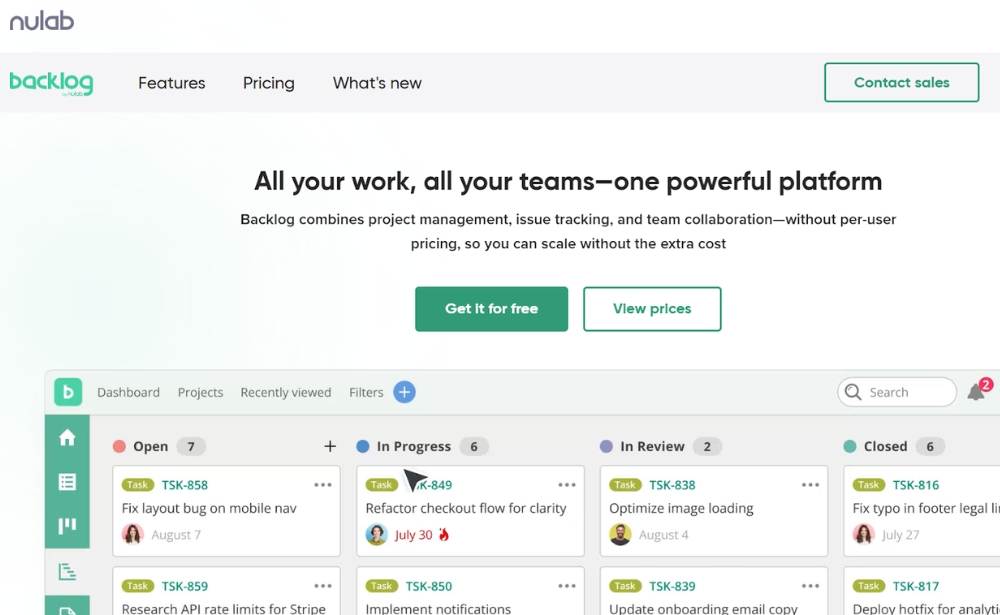
Backlog is a project management and collaboration tool for different teams in an organisation. You can manage projects and tasks and there are special features especially designed for each team. Sales teams can for example track leads, while development teams can assign issues and review code within this one tool.
Pricing: Backlog offers a free package for up to 10 users, a Starter package for up to 30 users ($35 per month), a Standard package for unlimited users ($100 per month) and a Premium package for larger companies ($175 per month).
Website: www.backlog.com
18. Celoxis
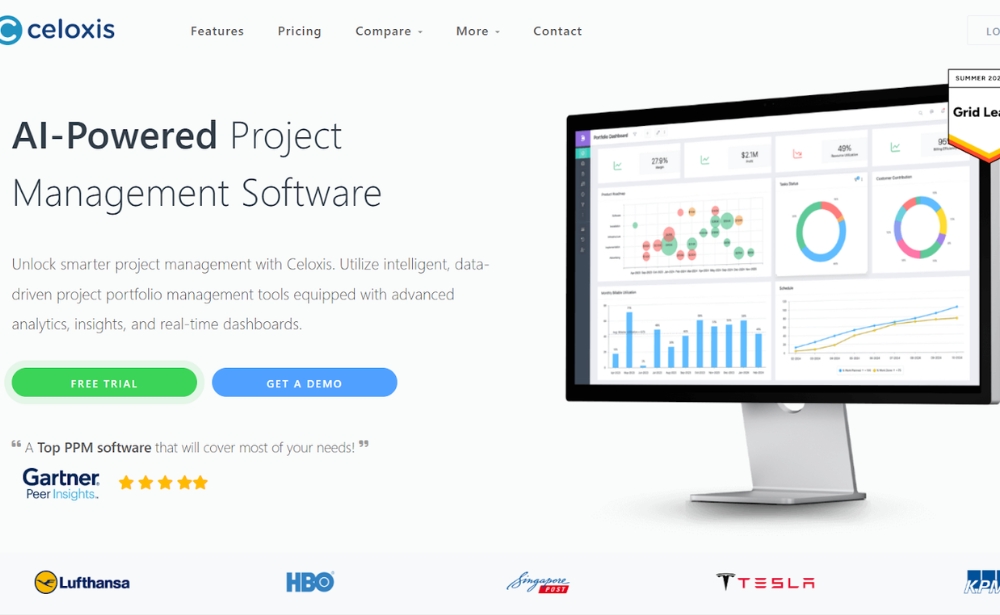
Celoxis is a simple and straightforward PM software with a responsive interface that includes a Gantt chart view of projects and a number of different financial tools that can help track hours and project income. Celoxis hosts an online version (the SaaS plan) or users can host the data themselves. This software has many great features, but where it really stands out is reporting with its advanced reporting engine, drill-down charts, time-phased data and flexible/shareable reports.
Pricing: Celoxis has a Core project ($10 per user/month), Essential package ($25 per user/month), a Professional package ($35 per user/month), a Business package ($45 per user/month) and an Enterprise package (price is given upon request).
Website: www.celoxis.com
19. Plutio
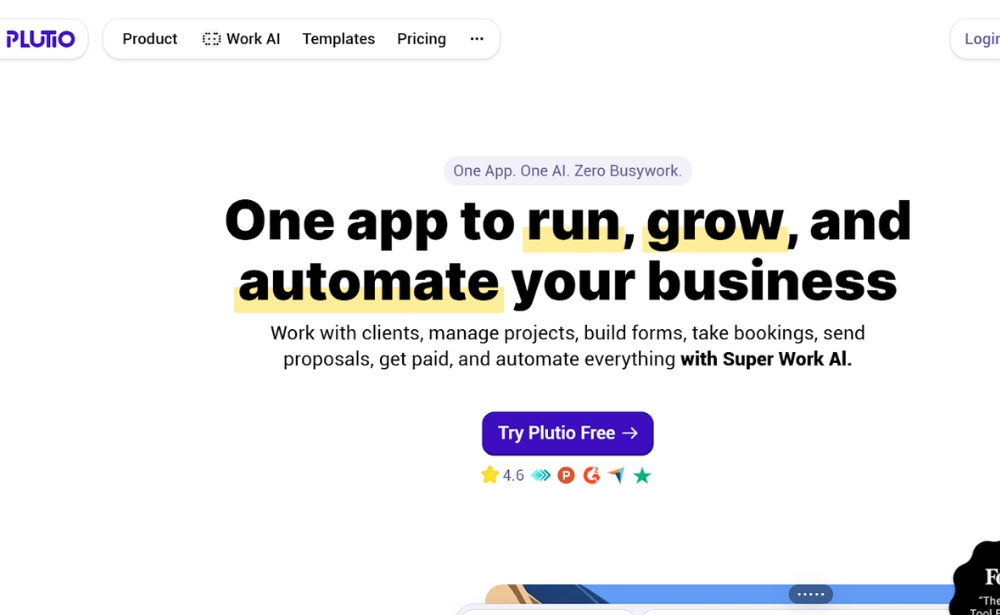
Plutio is an all-in-one business management platform designed to help you manage projects and tasks, create proposals and send invoices. Track your time from anywhere and visualise everyone’s time entries in a powerful time-sheet, with Plutio you stay organised.
Pricing: Plutio offers a Core package ($19 per month), a Pro package for up to 30 users ($49 per month) and the Max package for up to unlimited users ($199 per user/month).
Website: www.plutio.com
20. ProjectManager.com
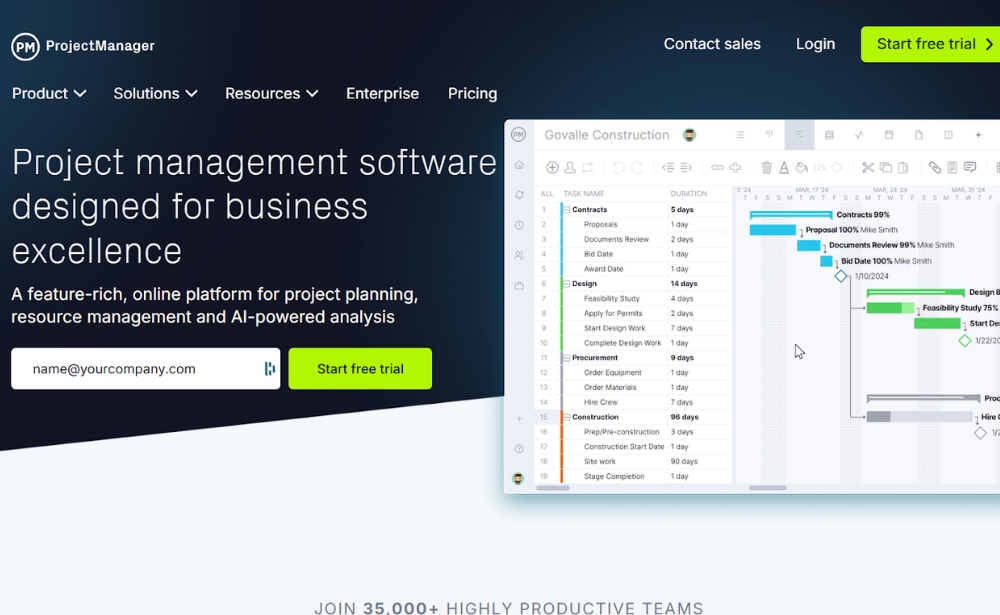
Last, but certainly not least is ProjectManager.com. This award-winning tool has several nice features including task management and time sheets, both of which can be updated remotely. This project management tool also offers its users Gantt charts, project planning features and a real-time dashboard.
Pricing: ProjectManager.com offers a Team package ($15 per user/month), a Business package ($28 per user/month) and an Enterprise package (price is given upon request).
Website: www.projectmanager.com
Choosing your project management software
In order to choose the right project management software, it’s important to consider factors such as the size of your business and team, how many features you require and which of those features you most value. Either way, I think you’ll quickly realise that having such a software in place will make your day-to-day work much easier.
We hope this overview has given you some inspiration in choosing which project management software might be right for your business. If you have any suggestions or know of other great project management software, please feel free to put them in the comments below.
Once you have your project management software up and running, it’s time to start thinking about how you’re going to monitor the satisfaction of your customers. In fact many of these product management software listed above offer integration options for various user feedback software, including Mopinion.
More on Mopinion
Mopinion is the European #1 digital feedback software for websites, apps and email and is part of Netigate. Together, we help teams collect customer feedback and turn it into clear, actionable insights. With real-time data visualisation in customisable dashboards and charts, users can quickly digest large volumes of feedback across all their digital channels (website, mobile apps and email). Our ‘one-stop shop’ offers:
- Customisable feedback forms (passive and active) for all your digital channels
- Precise targeting
- Visual Feedback
- Conversational Feedback
- Advanced surveys with question routing
- In-depth feedback analytics, including text analytics, sentiment analysis, smart labeling, etc.
- Advanced data visualisation with in-chart filtering and customisable dashboards
- Seamless data exploration
- Advanced action management for closing the feedback loop
All of the ingredients you need for a successful Voice of Customer program.
Discover which integration options we have for project management software here.
Doing research for your Martech stack?
Be sure to check out some of our other marketing technology tool roundups, such as the best customer feedback tools, customer journey mapping tools, usability testing tools and more.
Frequently asked questions about project management software
Project management software is a digital tool that helps teams plan, organise, manage and track projects. It typically brings tasks, deadlines, responsibilities, project timelines, files, communication and reporting together in one central workspace.
Project management software can improve visibility, accountability and collaboration by giving teams one place to manage tasks, deadlines and project information. It can also help automate repetitive work, improve resource planning, identify bottlenecks and provide stakeholders with clearer project reporting.
Useful project management software features include task and workflow management, project timelines, Kanban boards, calendars, Gantt charts, automation, reporting, integrations and collaboration tools. Larger organisations may also need resource management, portfolio management, advanced permissions, SSO and additional security controls.
The best project management software for a small team is usually easy to set up, affordable and simple enough for everyone to use consistently. Look for essential features such as task assignment, deadlines, project views, collaboration and integrations without paying for advanced enterprise functionality your team does not need.
Yes. Many project management platforms offer free plans with core features such as task management, boards and basic collaboration. Free plans can be useful for individuals and small teams, although they often limit users, storage, automation, reporting or advanced project management functionality.
Agile teams should look for project management software that supports Scrum or Kanban workflows, sprint planning, backlogs, issue tracking, prioritisation and real-time reporting. The right platform will depend on whether the team primarily manages software development, product work or broader cross-functional projects.
AI in project management software can help summarise project activity, generate tasks or content, identify priorities, automate repetitive work and surface relevant project information. Some platforms also use AI to support reporting, workload analysis, risk identification and project planning.
Start by considering your team size, project complexity, preferred workflows, budget and existing technology stack. Compare the features you genuinely need, such as automation, reporting, resource management or integrations, and test shortlisted platforms with a real project before committing to a paid plan.
Ready to see Mopinion in action?
Want to learn more about Mopinion’s all-in-1 user feedback platform? Don’t be shy and take our software for a spin! Do you prefer it a bit more personal? Just book a demo. One of our feedback pro’s will guide you through the software and answer any questions you may have.