
As more digital journeys move into mobile apps, businesses need better ways to understand what users are actually experiencing inside them. Mobile app feedback helps teams collect direct input during the user journey, making it easier to understand where users are struggling, what is creating friction and which improvements matter most.
It also adds context that analytics alone cannot provide, especially when users drop off, fail to complete a task or respond unexpectedly to a feature. When used well, app feedback can help teams improve onboarding, usability and the overall app experience.
Whether someone is browsing products, completing onboarding, booking a service or getting support, the app experience now plays a major role in how people judge a brand. DataReportal’s 2025 reporting reflects how central apps have become, showing that mobile users spend less than 6% of their smartphone time in browsers and search engine apps.
That shift has made mobile app feedback more important. Analytics can show you what users did, but feedback helps explain why it happened. It gives product, user experience (UX) and digital teams direct insight into what users found confusing, frustrating, useful or unexpectedly smooth while the experience is still fresh.
In this guide, we’ll explain what app feedback is, why it matters, how to collect it, which survey formats are most useful and what to look for in this feedback tool.
TL;DR – Article summary
Mobile app feedback is feedback collected directly inside a mobile app through surveys, comments, ratings, screenshots or technical metadata. It helps teams understand not just what users are doing, but why. A strong app feedback programme can uncover friction in onboarding and key journeys, support better feature decisions, identify bugs faster and improve the user experience over time. The best way to collect it depends on your app, your goals and your internal resources, but the most common methods include SDKs, APIs and Webviews. To get real value from app feedback, teams need to ask at the right moment, use the right metric and act on what users share.
In this complete guide to mobile app feedback, we will address the following:
- What is mobile app feedback?
- Why is mobile app feedback important?
- Mobile app feedback vs app reviews vs website feedback
- How to collect mobile app feedback
- When should you ask for mobile app feedback?
- Mobile app feedback survey templates and examples
- What to look for in a mobile app feedback tool
- Best mobile app feedback tools
- How to build a stronger mobile app feedback programme
- Start improving your mobile app experience with app feedback
What is mobile app feedback?
Mobile app feedback is feedback collected from users directly inside a mobile app. It can include survey responses, open-text comments, screenshots and contextual data such as operating system, app version or device type. Its purpose is to help teams understand the app from the user’s point of view.
For example, analytics may show that users abandon onboarding, stop at a checkout step or ignore a newly launched feature. It helps uncover what sits behind that behaviour. It gives users a way to explain what felt unclear, what required too much effort or what prevented them from completing their goal.
That is what makes it so valuable. It adds context to behaviour and helps teams move from assumptions to clearer, more informed decisions.

Why is mobile app feedback important?
If your mobile app is part of the customer journey, the quality of that experience matters. Users expect apps to feel intuitive, fast and easy to use. When the experience falls short, they do not always explain why. More often, they leave, stop using a feature or abandon the journey altogether.
This type of feedback helps make those moments visible. Instead of relying only on behavioural data or internal assumptions, product, UX and digital teams can combine what users did with what users actually said. That makes it easier to identify friction, prioritise improvements and understand whether changes are genuinely helping.
A few of the main benefits include:
Better onboarding
Onboarding is often the first major test of an app experience. This feedback can show where users get confused, hesitate or drop off before they reach value.
Smarter feature development
When a new feature is released, mobile app feedback helps teams understand whether users notice it, understand it and find it genuinely useful.
Faster issue detection
When users can report problems from within the app, teams can spot bugs, broken journeys and usability issues earlier and with more context.
Better prioritisation
This feedback helps teams focus on the issues that have the biggest impact on real users rather than guessing what matters most.
Stronger retention
The easier it is for users to complete what they came to do, the more likely they are to come back. App feedback helps teams remove friction before it turns into churn.
Mobile app feedback vs app reviews vs website feedback
These terms are related, but they are not the same thing.
Mobile app feedback
It is usually collected inside the app itself. It is often tied to a specific action, moment or journey and is used to improve the in-app experience.
App reviews
App reviews are the ratings and written comments users leave in app stores. These are useful for understanding public sentiment and overall perception, but they usually offer less context than targeted in-app feedback. They also tend to happen outside the flow of the user journey.
Website feedback
Website feedback is collected on websites rather than in apps. The purpose may be similar, but the environment is different. On websites, teams often rely on triggers such as exit intent, page targeting or browsing behaviour. In apps, feedback collection needs to fit more naturally into the product experience itself.
How to collect mobile app feedback
There are three common ways to collect mobile app feedback. The right option depends on your app setup, the level of flexibility you need and the technical resources available to you.
1. SDK
An SDK, or software development kit, is one of the main ways to collect in-app feedback. It allows feedback functionality to be integrated more directly into the app experience, either through native SDKs or web-based SDKs depending on the setup. This is often a strong option when teams want support for deployments, more built-in functionality and additional context such as metadata, event listeners and, in some cases, screenshots. Native SDKs may also offer a more seamless in-app experience.
Best for: teams looking for a scalable in-app feedback setup with more built-in functionality.
2. Webview
A Webview displays a web-based form inside the app. It can be a lighter and more flexible option than a fully native setup, especially for teams that want more styling flexibility or a quicker implementation. However, it may feel less seamless than a native approach, and some organisations place restrictions on Webview usage for security reasons.
Best for: teams looking for a faster or more lightweight way to launch in-app feedback.
When should you ask for mobile app feedback?
Collecting feedback is not only about what you ask. It is also about when you ask it.
The best feedback requests feel relevant to the moment. If a survey appears too early, too late or without context, users are less likely to respond thoughtfully. But when it appears after a meaningful interaction, the feedback is usually more useful and more specific.
Good moments to ask for in-app feedback include:
- after onboarding is completed
- after a key task is finished
- after a support interaction
- after a user tries a new feature
- when a user abandons an important process
- when repeated friction appears in a critical journey
The goal is to capture feedback when the experience is still fresh and the question feels natural, not disruptive.
Mobile app feedback survey templates and examples
There is no single best app feedback survey. The right format depends on what you want to learn, where in the journey you ask and what kind of decision the feedback should support.
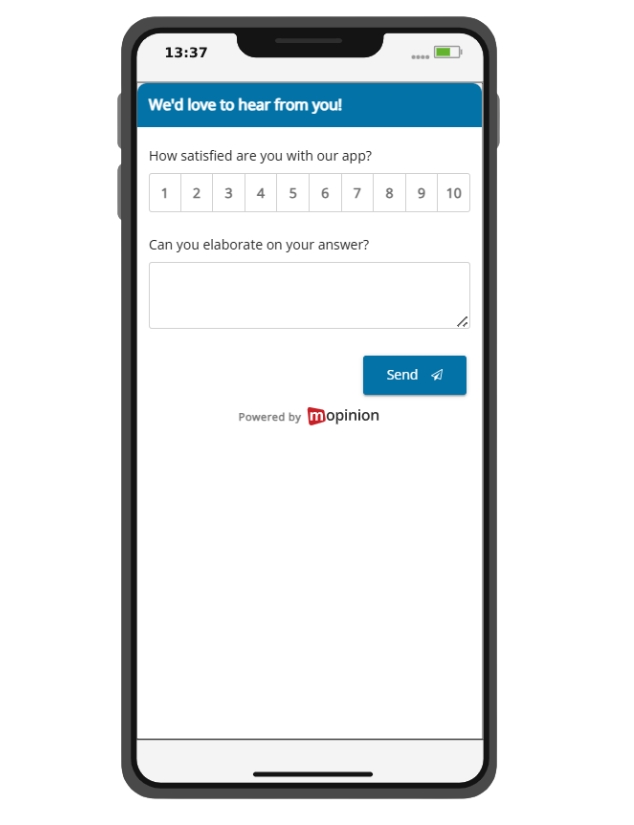
Customer Satisfaction (CSAT)
CSAT helps you understand how satisfied users are with an overall experience or a specific interaction in the app.
This is useful when you want a broad view of how users feel after completing an important action, such as finishing onboarding, placing an order or using a feature for the first time.
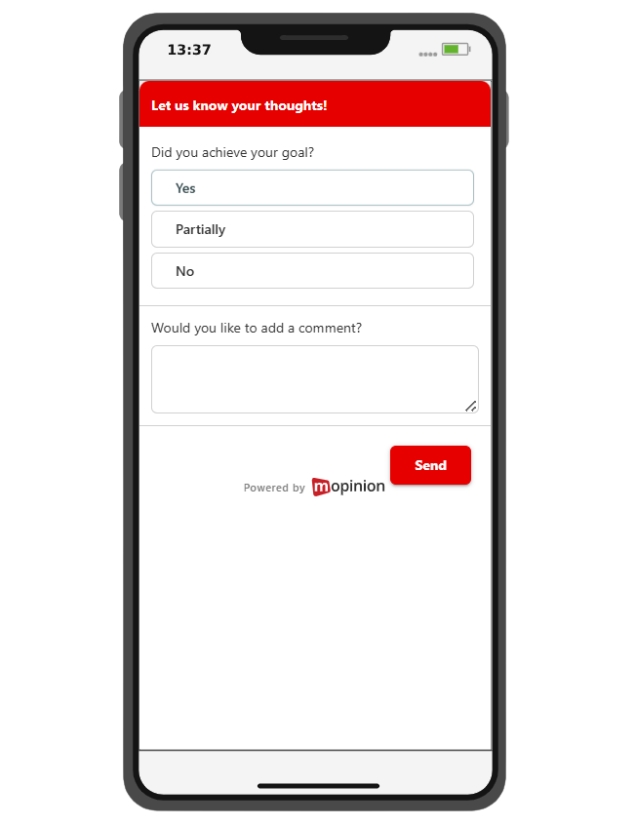
Goal Completion Rate (GCR)
GCR measures whether users completed, partially completed or failed to complete a specific goal.
This is especially useful for journeys such as onboarding, account creation, checkout or other task-based flows where completion matters just as much as satisfaction.
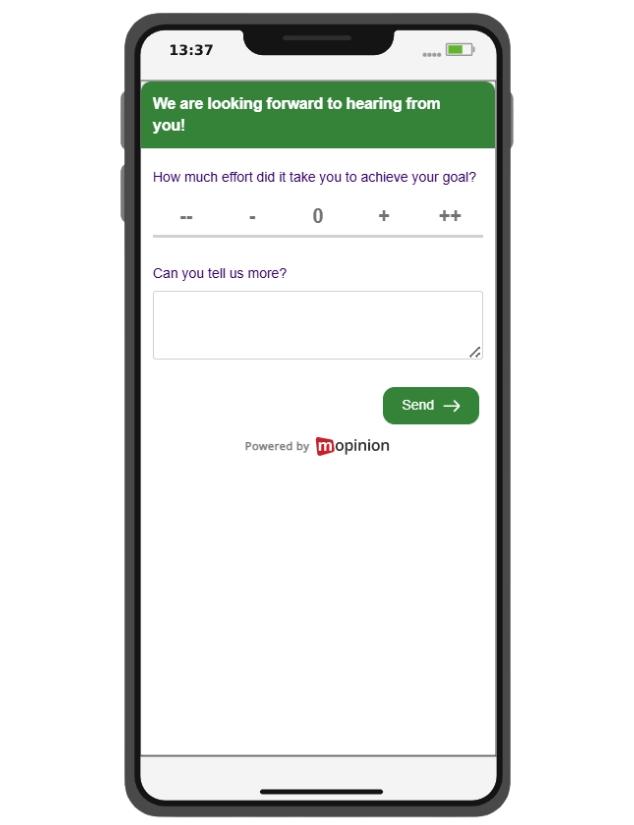
Customer Effort Score (CES)
CES measures how easy or difficult it was for users to complete an action.
This is a strong choice when you want to understand whether a journey feels smooth or frustrating, especially in flows where users are trying to complete something quickly.
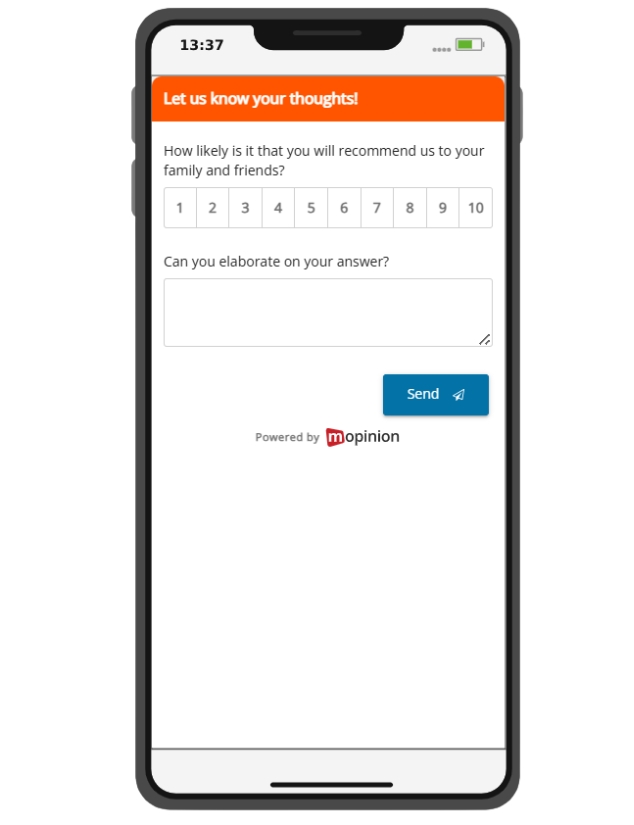
Net Promoter Score (NPS)
NPS measures how likely a customer is to recommend your brand.
In an app context, it is usually most meaningful when users have had enough experience with the product to answer properly, rather than too early in the relationship.
In-app content feedback
If your app includes support content, educational content or transactional messaging, it can be useful to ask whether that content was clear, helpful and easy to follow on a smaller screen.
This can help teams improve wording, structure and readability in mobile contexts.
What to look for in a mobile app feedback tool
If you are comparing mobile app feedback tools, it is worth looking beyond the survey itself. The most useful tools do more than collect comments. They help teams collect feedback in context, understand it faster and turn it into something actionable.
A few features worth paying attention to include:
- support for different collection methods such as SDKs, APIs or Webviews
- in-app targeting and triggering options
- survey logic and follow-up questions
- support for screenshots and metadata
- integrations with analytics, support or development tools
- real-time dashboards and reporting
- support for both iOS and Android
The right choice will depend on your goals, technical setup and the type of insight you want to gather from your app users.
Best mobile app feedback tools
There are several tools on the market that support app feedback programmes. The right choice will depend on your goals, technical setup and the kind of feedback you want to collect.
1. Mopinion – Part of Netigate
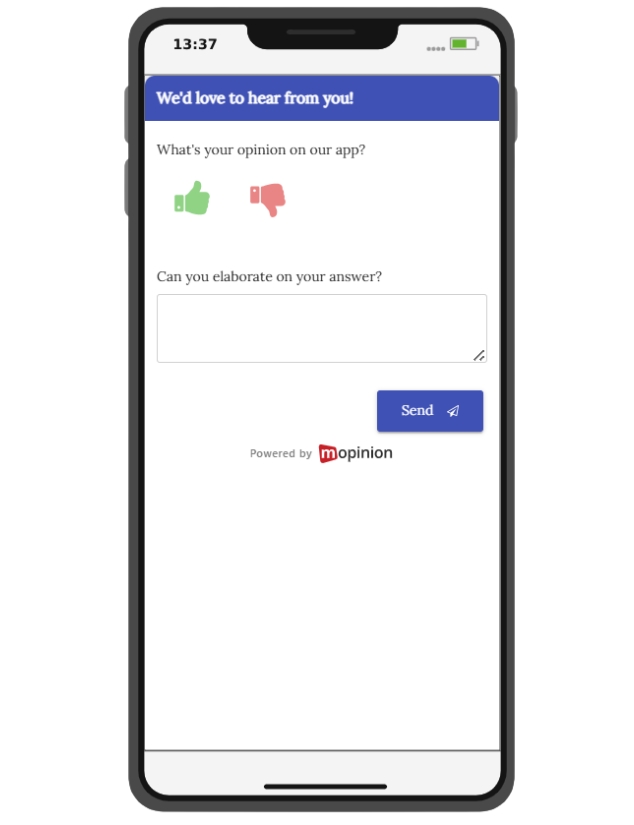
Mopinion, part of Netigate, is an all-in-one user feedback software that specialises in this feedback. Users can capture feedback from your app users via our SDKs, API or webview. It also includes a visual feedback feature that enables visitors to submit in-app screenshots alongside their feedback and metadata (i.e. user info, app version and more).
All feedback captured via both web and mobile can then be visualised in your (customisable) dashboard in real-time. Mopinion is easily integrated with iOS and Android. Netigate’s broader experience-management positioning helps frame this as one option within a wider feedback and experience ecosystem, without needing to make the guide overly product-led.
Interested? Start your free trial or request a demo
2. Alchemer Mobile
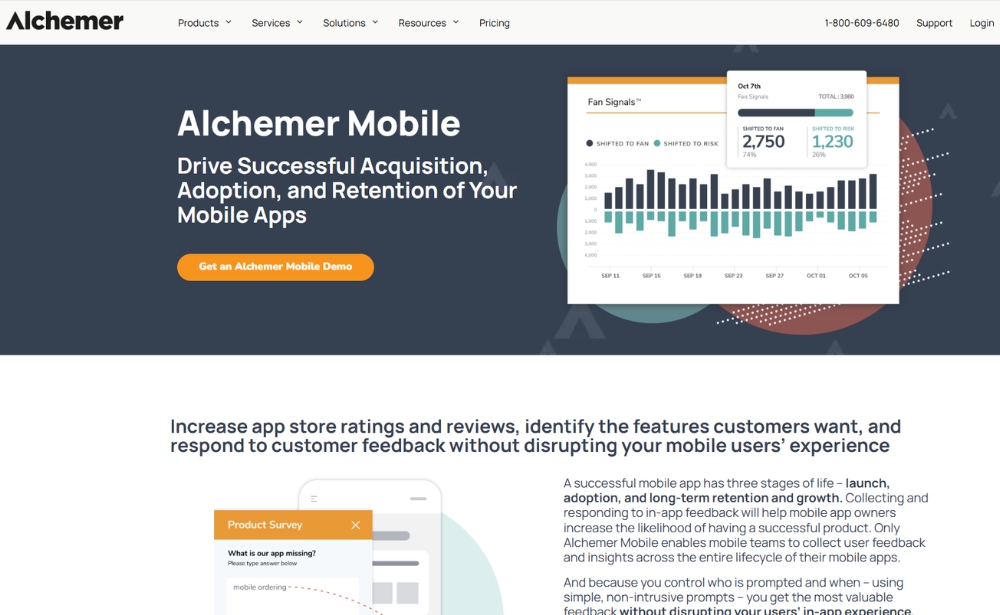
Alchemer Mobile focuses on capturing feedback within mobile app experiences through in-app surveys, ratings and review prompts. Its positioning leans toward helping teams collect insight during important moments in the journey, rather than relying only on feedback gathered outside the app. That can make it useful for teams that want to understand user sentiment while people are actively using the product.
Website: www.alchemer.com
3. Luciq
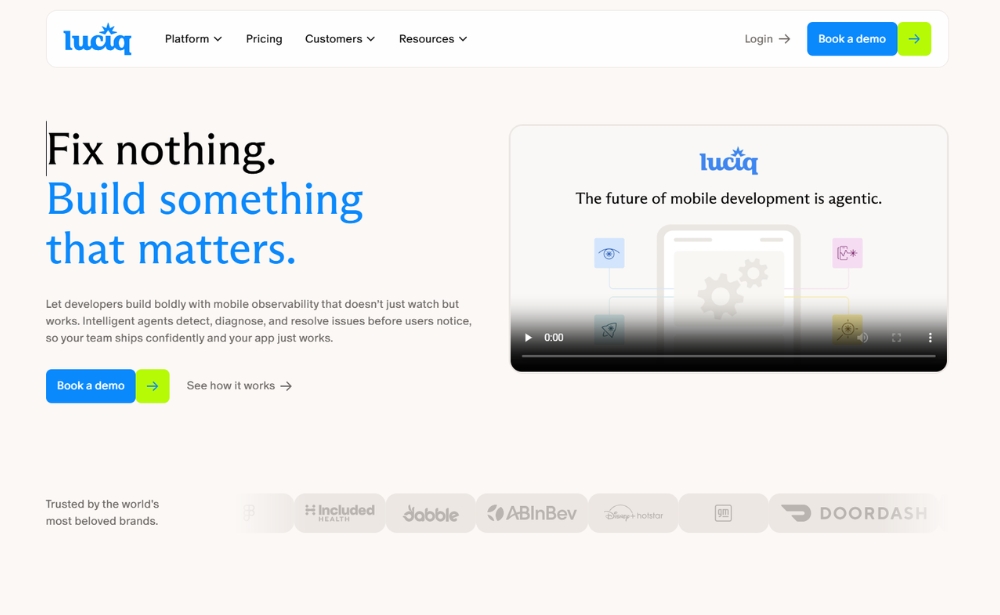
Luciq, formerly Instabug, is more strongly positioned around mobile observability, issue detection and app quality than around traditional survey-led feedback alone. That means it may be especially relevant for teams looking to combine user-reported issues with technical insight, such as diagnostics, bug reporting and stability monitoring. If you keep it in the list, updating the name is important so the article does not feel outdated.
Website: www.luciq.ai
4. Doorbell
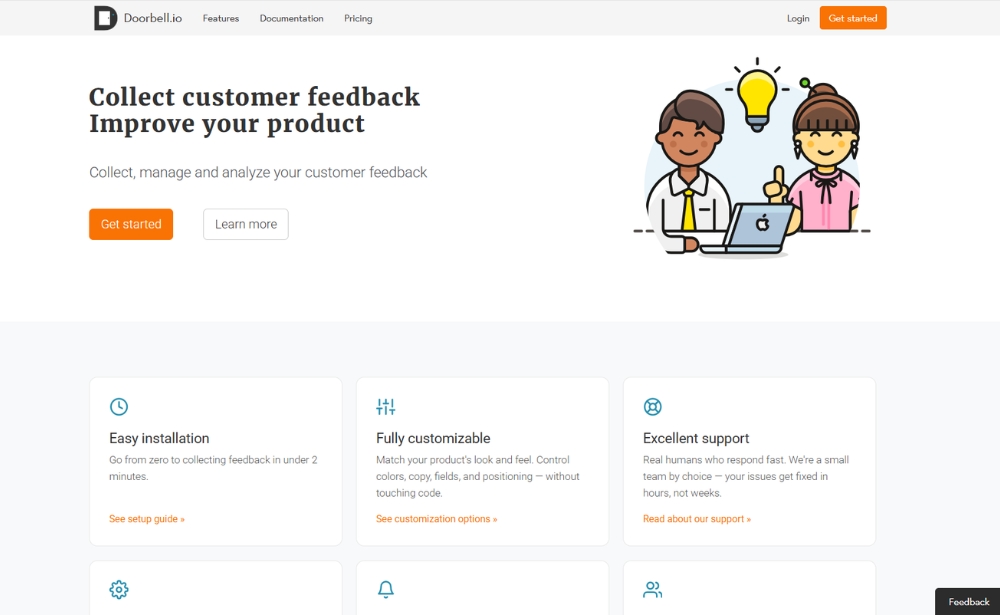
Doorbell is a lightweight feedback tool that supports web, iOS and Android, with a strong emphasis on making it easy for users to submit feedback in context. Its offering includes feedback widgets, screenshots, attachments and collaboration features for assigning and resolving issues, which makes it relevant for teams that want a fairly straightforward way to collect and manage user feedback without overcomplicating the setup.
Website: www.doorbell.io
5. Survicate
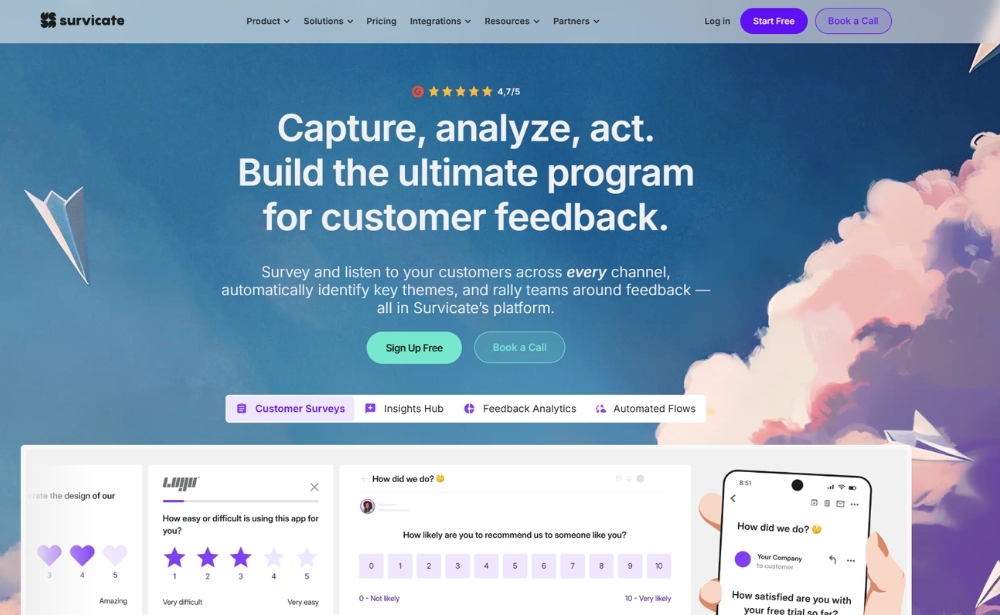
Survicate offers mobile app surveys through its SDK and supports a range of question types, logic and targeting options. It is positioned around helping teams collect structured feedback directly inside mobile apps, with support for platforms such as iOS, Android, React Native, Flutter and Unity. That makes it a relevant option for teams that want to run targeted micro-surveys and gather more consistent in-app feedback across different app environments.
Website: www.survicate.com
How to build a stronger mobile app feedback programme
Collecting app feedback is only the first step. The teams that get the most value from it are the ones that treat it as part of an ongoing improvement process.
A simple workflow often looks like this:
- identify a high-impact journey
- ask for feedback at the right moment
- review both quantitative scores and open comments
- look for recurring themes or friction points
- compare those themes with behavioural data
- prioritise improvements based on impact and frequency
- test changes and monitor results over time
This is where this feedback becomes more than a survey tactic. It becomes a practical way to continuously understand and improve the user experience.
Start improving your mobile app experience with app feedback
If you want to build a better app experience, this feedback is one of the most practical ways to understand what users really need. It helps teams move beyond assumptions, uncover friction and make more informed decisions about what to improve next.
For product, UX and digital teams, app feedback is not just useful for spotting problems. It is a valuable way to keep learning from users and improving the in-app experience over time.
For organisations looking to put that into practice, Mopinion, part of Netigate, helps teams collect this type of feedback through methods such as SDKs, APIs and Webviews, making it easier to capture in-app feedback in context and turn it into actionable insight.
The teams that improve app experiences most consistently are the ones that keep listening. App feedback helps make that possible.
Ready to see Mopinion in action?
Want to learn more about Mopinion’s all-in-1 user feedback platform? Don’t be shy and take our software for a spin! Do you prefer it a bit more personal? Just book a demo. One of our feedback pro’s will guide you through the software and answer any questions you may have.